Chapter 5 Problem Solving 311
Correcting Output Quality Problems
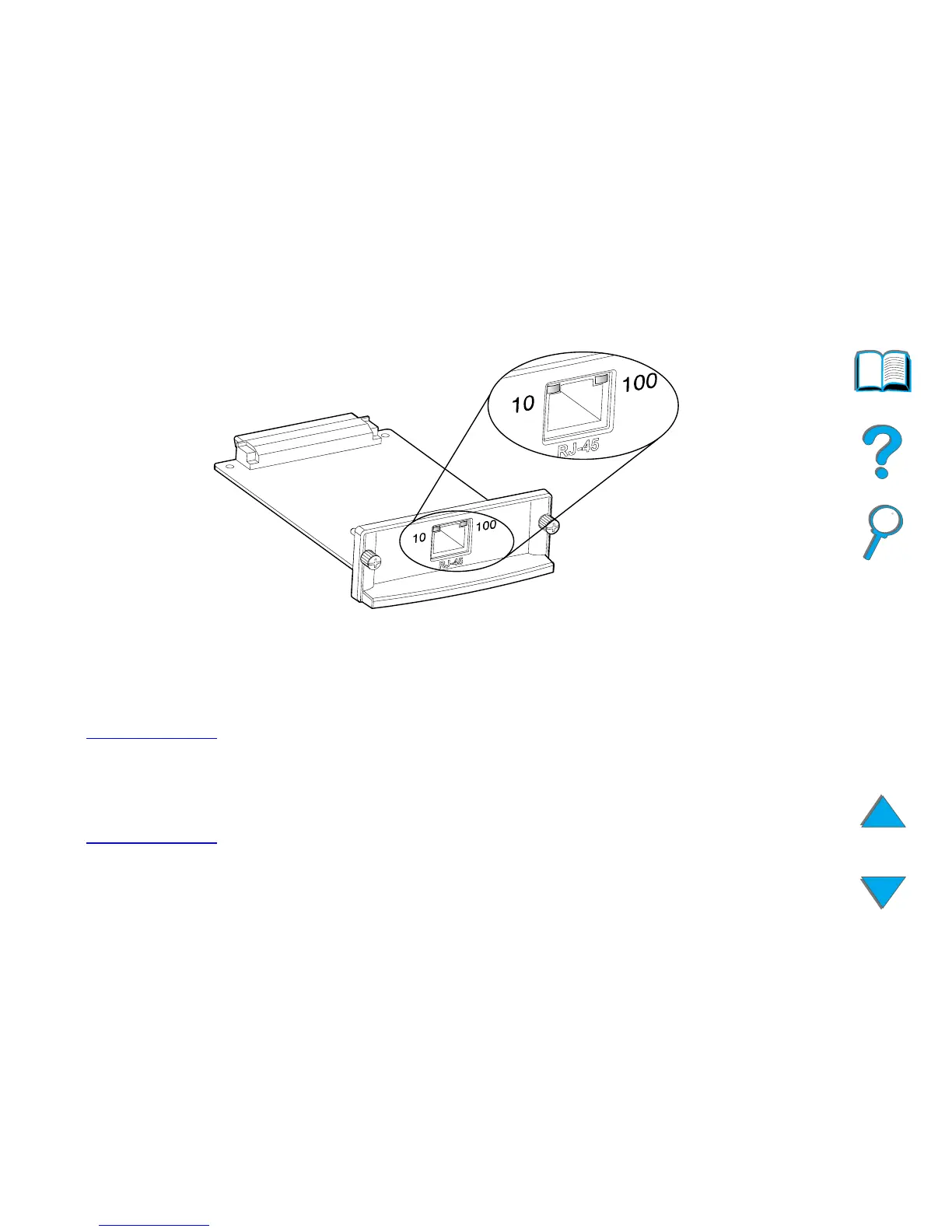
! Check the JetDirect Configuration Page for a LOSS OF CARRIER error
message. This message also indicates that the card did not link to the
network.
Note The HP JetDirect 10/100Base-TX print server may require up to
10 seconds to establish a link to the network.
If you have a different HP JetDirect print server, see the guide that came
with it.
Continued on next page.



 To Next Page