Chapter 5 Problem Solving 315
Checking the Printer’s Configuration
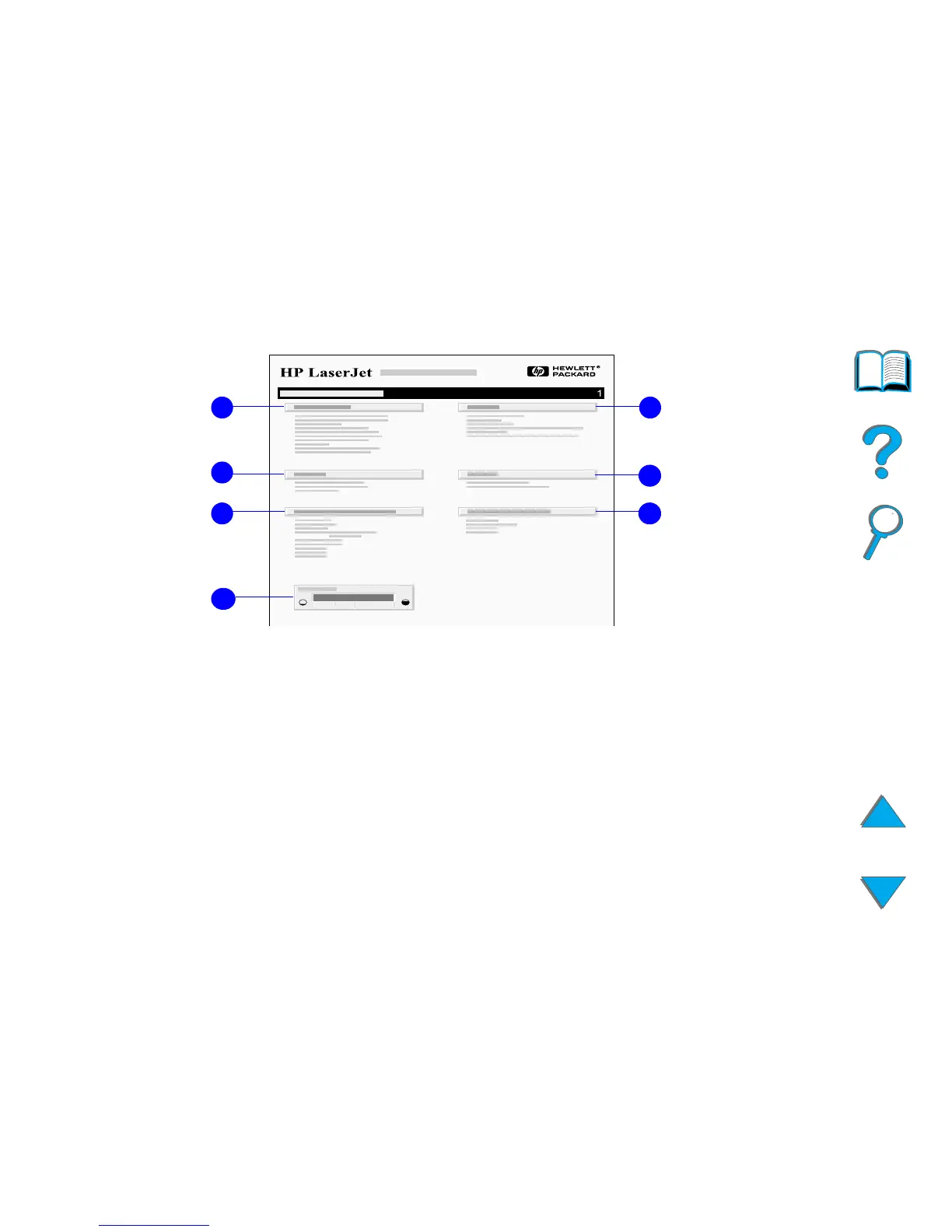
1 Printer Information lists the serial number, HP JetSend IP addresses, page
counts, and other information for the printer. If the variable fuser mode has
been set to HIGH1, HIGH2, or HIGH3, the number of pages printed at the high
fuser temperature is listed in parentheses after the page count.
2 Event Log lists the number of entries in the log, the maximum number of
entries viewable, and the last three entries. The second page of the event
log is the manufacturing page. This page contains information that may
assist HP Customer Care representatives in solving possible printer
problems.
Continued on next page.
2
3 6
5
4
7
1



 To Next Page