EasyManua.ls Logo

HP 8447A - Page 25

HP 8447A
30 pages
Print Icon
To Next Page IconTo Next Page
To Previous Page IconTo Previous Page
Loading...
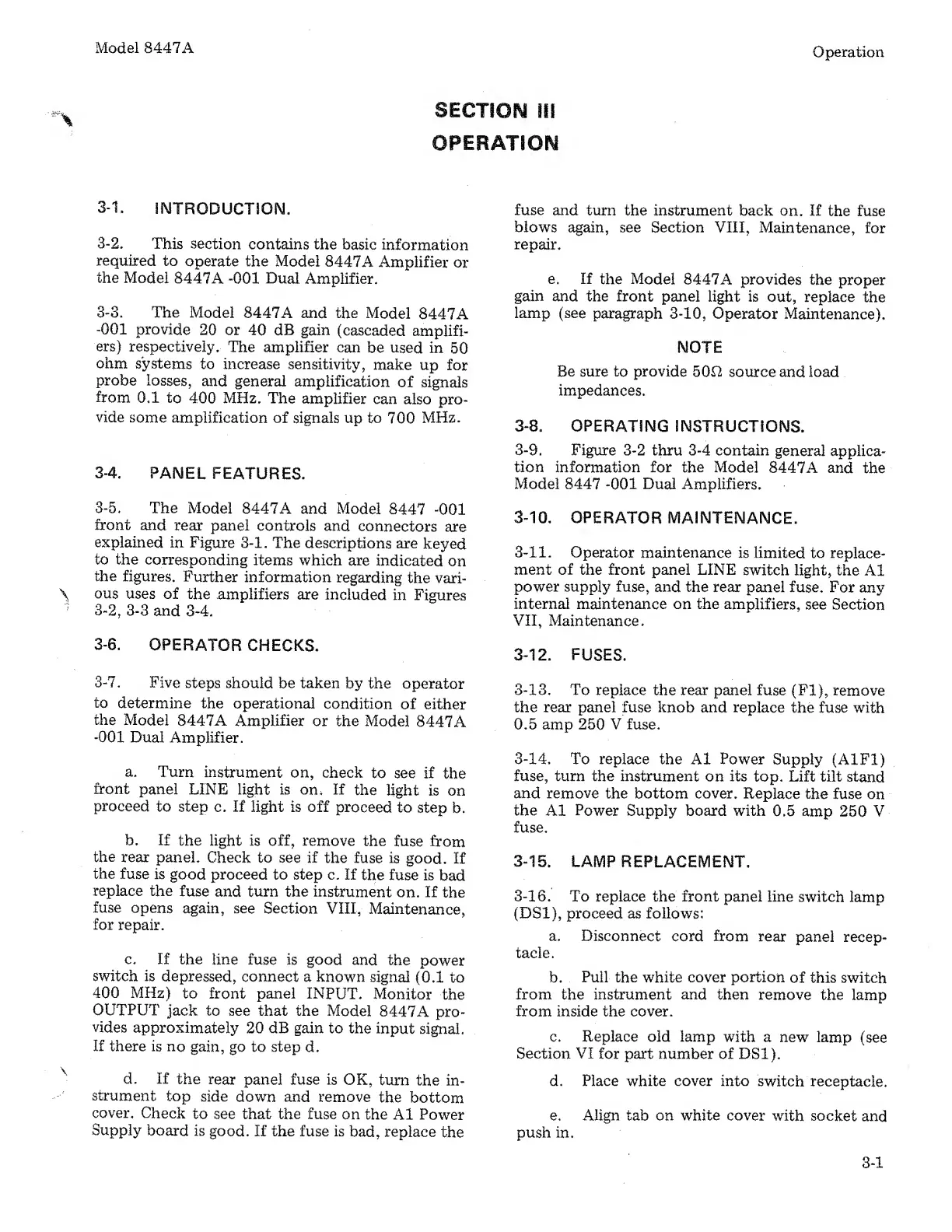
Model
8447A
Operation
SECTION
ill
OPERATION
3-1.
INTRODUCTION.
fuse
and
turn
the
instrument
back
on.
If
the
fuse
blows
again,
see
Section
VIII,
Maintenance,
for
3-2.
This
section
contains
the
basic
information
required
to
operate
the
Model
8447A
Amplifier
or
the
Model
8447A
-001
Dual
Amplifier.
3-3.
The
Model
8447A
and
the
Model
8447A
-001
provide
20
or
40
dB
gain
(cascaded
amplifi¬
ers)
respectively.
The
amplifier
can
be
used
in
50
ohm
systems
to
increase
sensitivity,
make
up
for
probe
losses,
and
general
amplification
of
signals
from
0.1
to
400
MHz.
The
amplifier
can
also
pro¬
vide
some
amplification
of
signals
up
to
700
MHz.
3-4.
PANEL
FEATURES.
3-5.
The
Model
8447A
and
Model
8447
-001
front
and
rear
panel
controls
and
connectors
are
explained
in
Figure
3-1.
The
descriptions
are
keyed
to
the
corresponding
items
which
are
indicated
on
the
figures.
Further
information
regarding
the
vari-
\
ous
uses
of
the
amplifiers
are
included
in
Figures
3-2,
3-3
and
3-4.
3-6.
OPERATOR
CHECKS.
3-7.
Five
steps
should
be
taken
by
the
operator
to
determine
the
operational
condition
of
either
the
Model
8447A
Amplifier
or
the
Model
8447A
-001
Dual
Amplifier.
a.
Turn
instrument
on,
check
to
see
if
the
front
panel
LINE
light
is
on.
If
the
light
is
on
proceed
to
step
c.
If
light
is
off
proceed
to
step
b.
b.
If
the
light
is
off,
remove
the
fuse
from
the
rear
panel.
Check
to
see
if
the
fuse
is
good.
If
the
fuse
is
good
proceed
to
step
c.
If
the
fuse
is
bad
replace
the
fuse
and
turn
the
instrument
on.
If
the
fuse
opens
again,
see
Section
VIII,
Maintenance,
for
repair.
c.
If
the
line
fuse
is
good
and
the
power
switch
is
depressed,
connect
a
known
signal
(0.1
to
400
MHz)
to
front
panel
INPUT.
Monitor
the
OUTPUT
jack
to
see
that
the
Model
8447A
pro¬
vides
approximately
20
dB
gain
to
the
input
signal.
If
there
is
no
gain,
go
to
step
d.
d.
If
the
rear
panel
fuse
is
OK,
turn
the
in¬
strument
top
side
down
and
remove
the
bottom
cover.
Check
to
see
that
the
fuse
on
the
A1
Power
Supply
board
is
good.
If
the
fuse
is
bad,
replace
the
repair.
e.
I
f
the
Model
8447A
provides
the
proper
gain
and
the
front
panel
light
is
out,
replace
the
lamp
(see
paragraph
3-10,
Operator
Maintenance).
NOTE
Be
sure
to
provide
50f2
source
and
load
impedances.
3-8.
OPERATING
INSTRUCTIONS.
3-9.
Figure
3-2
thru
3-4
contain
general
applica¬
tion
information
for
the
Model
8447A
and
the
Model
8447
-001
Dual
Amplifiers.
3-10.
OPERATOR
MAINTENANCE.
3-11.
Operator
maintenance
is
limited
to
replace¬
ment
of
the
front
panel
LINE
switch
light,
the
A1
power
supply
fuse,
and
the
rear
panel
fuse.
For
any
internal
maintenance
on
the
amplifiers,
see
Section
VII,
Maintenance.
3-12.
FUSES.
3-13.
To
replace
the
rear
panel
fuse
(FI),
remove
the
rear
panel
fuse
knob
and
replace
the
fuse
with
0.5
amp
250
V
fuse.
3-14.
To
replace
the
A1
Power
Supply
(A1F1)
fuse,
turn
the
instrument
on
its
top.
Lift
tilt
stand
and
remove
the
bottom
cover.
Replace
the
fuse
on
the
A1
Power
Supply
board
with
0.5
amp
250
V
fuse.
3-15.
LAMP
REPLACEMENT.
3-16.
To
replace
the
front
panel
line
switch
lamp
(DS1),
proceed
as
follows:
a.
Disconnect
cord
from
rear
panel
recep¬
tacle.
b.
Pull
the
white
cover
portion
of
this
switch
from
the
instrument
and
then
remove
the
lamp
from
inside
the
cover.
c.
Replace
old
lamp
with
a
new
lamp
(see
Section
VI
for
part
number
of
DS1).
d.
Place
white
cover
into
switch
receptacle.
e.
Align
tab
on
white
cover
with
socket
and
push
in.
3-1

Related product manuals