Model 8642A/B Operation
ENTRY OFF
Description Entry Off, when selected, can guard against someone accidentally changing the output
signal by inadvertantly bumping the Knob or pressing a key (for example, while
connecting output cables). Entry Off disables the active function as well as the
following Signal Generator functions:
STEP ( QJ and QJ ),
KNOB,
KNOB HOLD, KNOB INCR,
DATA selection, and
Cursor positioning (1 - ) and [ - \ ).
Note: Put the instrument in its initialized state by selectng
I
INSTR PRESET 1.
Procedure
To select the Entry Off function
ENTRY OFF (( SHIFT I ( RF OFF/ONI ).
To re-enable the Knob and Step keys, select a function to be active.
Example
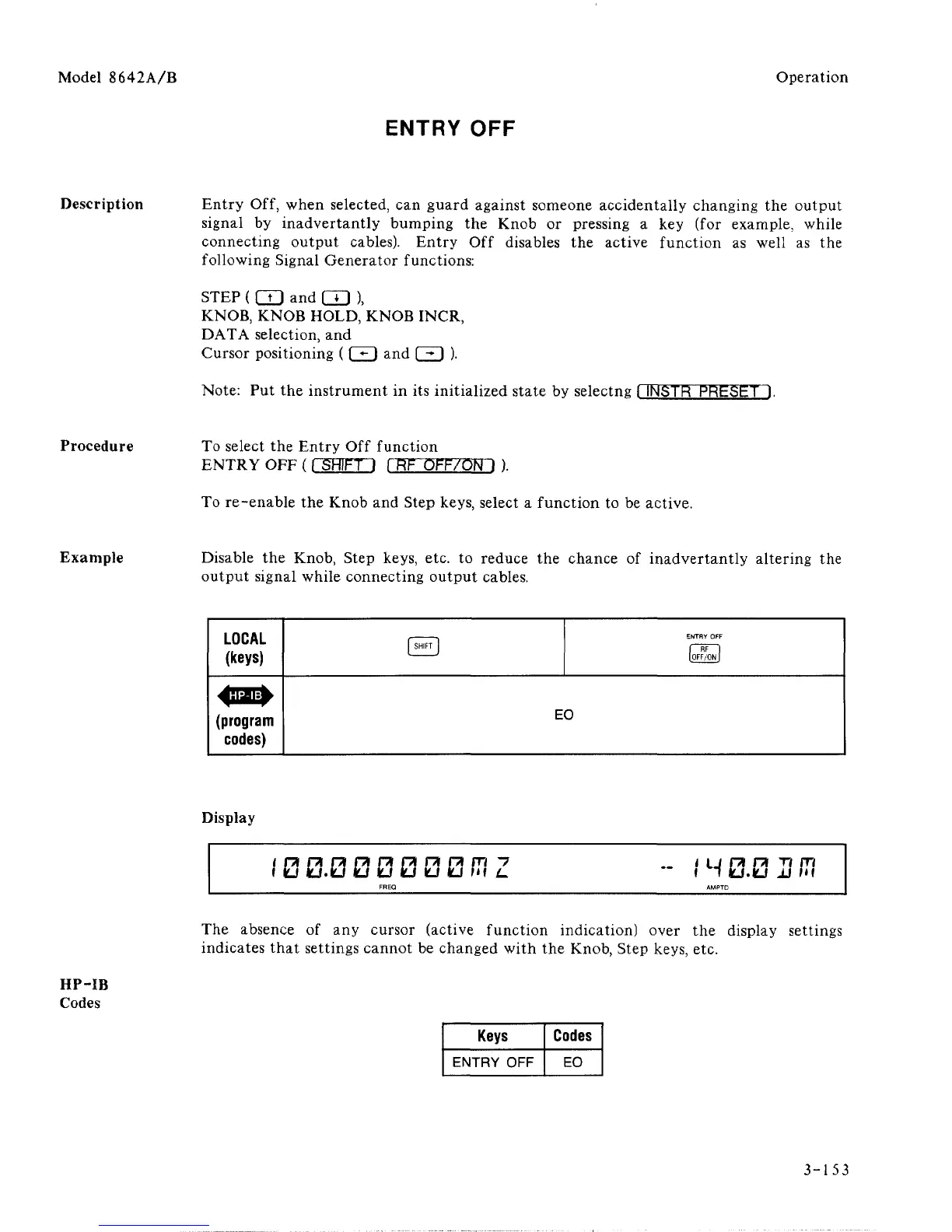
Disable the Knob, Step keys, etc. to reduce the chance of inadvertantly altering the
output signal while connecting output cables.
LOCAL
(keys)
(program
codes)
(
SHIFT
1
ENTRY OFF
[OFF/ON
|
EO
HP-IB
Codes
Display
I0 0.0 00000CTZ
FREQ
-- IH0.0UCT
AMPTD
The absence of any cursor (active function indication) over the display settings
indicates that settings cannot be changed with the Knob, Step keys, etc.
Keys
ENTRY OFF
Codes
EO
3-153



 To Next Page