Model 8642A/B
Performance Tests
PERFORMANCE TESTS
PROCEDURE:
2.
Be sure that the calibration numbers from the power sensor module
have been entered into the measuring receiver and that the
measuring receiver is zeroed and calibrated in RF Power mode.
RF Flatness
Connect the instruments as shown in Figure 4-1.
Set up the HP 8642 as follows:
INSTRUMENT PRESET
AMPLITUDE
+ 10.0 dBm
Set up the measuring receiver as follows:
INSTRUMENT PRESET
MEASUREMENT MODERF POWER
DISPLAY LOG (dBm)
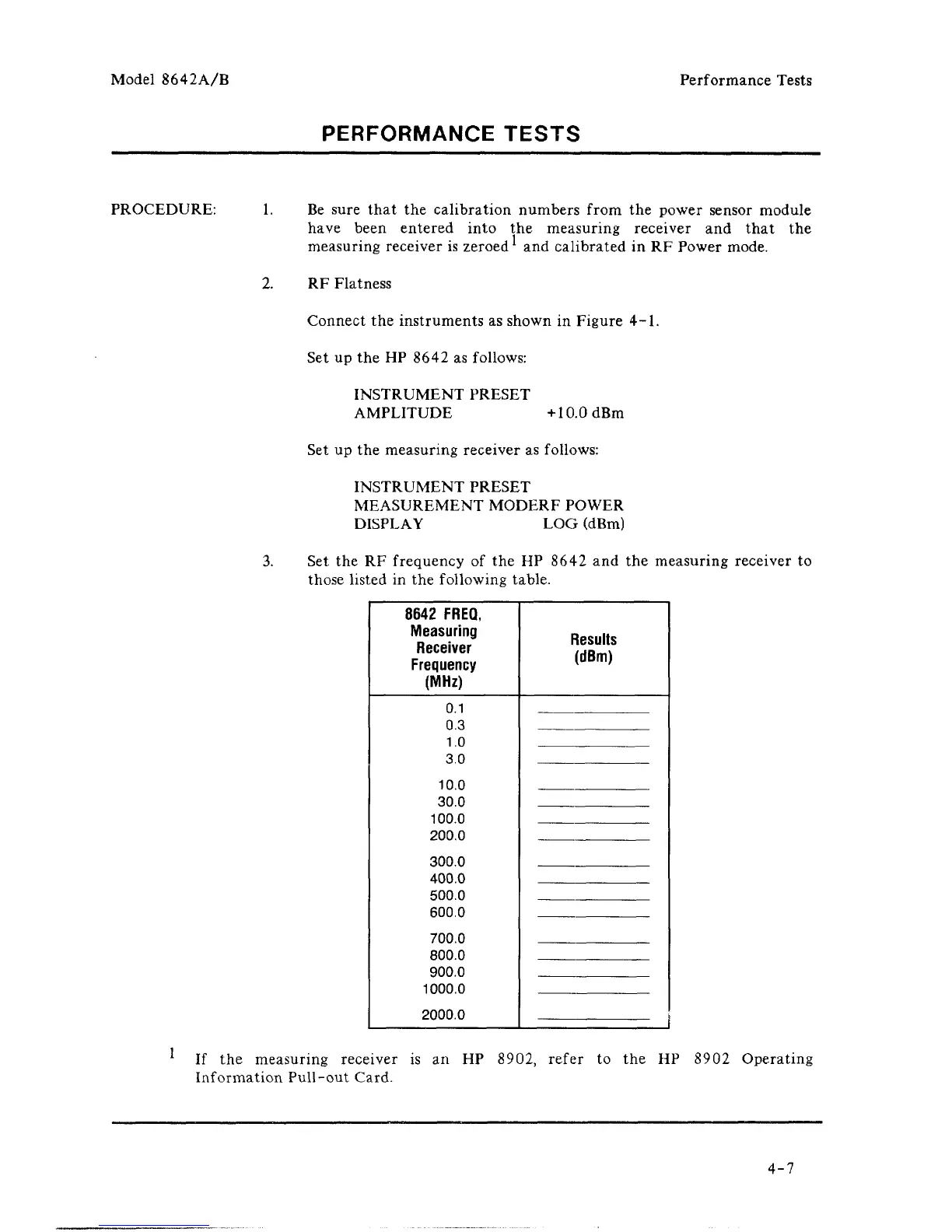
Set the RF frequency of the HP 8642 and the measuring receiver to
those listed in the following table.
8642
FREQ,
Measuring
Receiver
Frequency
(MHz)
0.1
0.3
1.0
3.0
10.0
30.0
100.0
200.0
300.0
400.0
500.0
600.0
700.0
800.0
900.0
1000.0
2000.0
Results
(dBm)
1
If the measuring receiver is an HP 8902, refer to the HP 8902 Operating
Information Pull-out Card.
4-7



 To Next Page