m
HEWLETT
PACKARD
MANUAL UPDATES
The enclosed new title page lists the instrument serial prefix numbers that will be documented by your manual
as a result of the updates. The enclosed updates are in the form of Replacement and Addition pages.
HOW TO UPDATE YOUR MANUAL
Integrate all enclosed pages into your manual paying close attention to the page numbers. The page
numbers will tell you whether a page from this packet is a Replacement page or an Addition page.
1.
Replacing a Page
A Replacement page has a page number preceded by a revision date. The Replacement page number
will always be the same as the number on the page it is meant to replace.
r
r
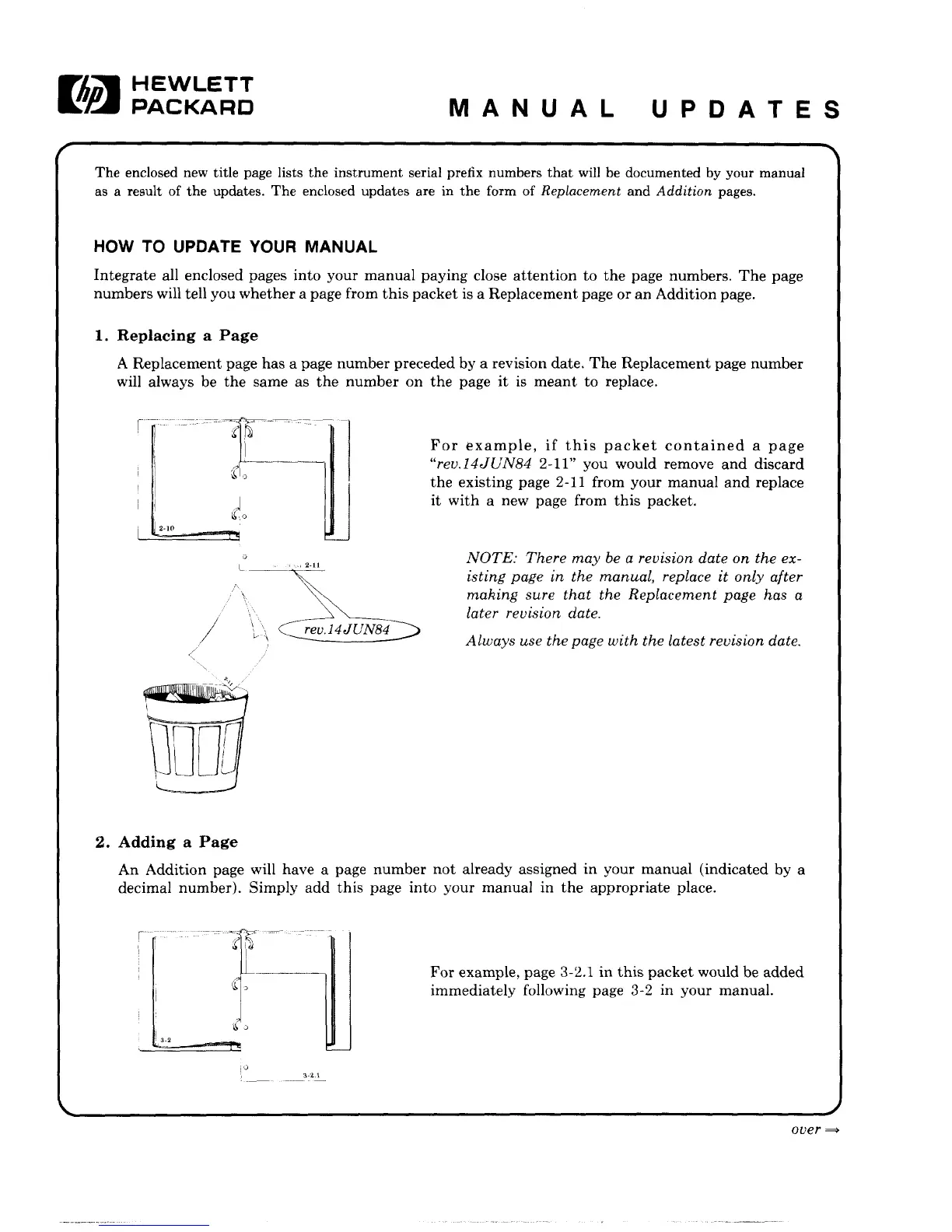
For example, if this packet contained a page
"rev.l4JUN84 2-11" you would remove and discard
the existing page 2-11 from your manual and replace
it with a new page from this packet.
NOTE: There may be a revision date on the ex-
isting page in the manual, replace it only after
making sure that the Replacement page has a
later revision date.
Always use the page with the latest revision date.
2.
Adding a Page
An Addition page will have a page number not already assigned in your manual (indicated by a
decimal number). Simply add this page into your manual in the appropriate place.
r
For example, page 3-2.1 in this packet would be added
immediately following page 3-2 in your manual.
oi>er =>



 To Next Page