Operation
Model 8642A/B
RF Frequency (cont'd)
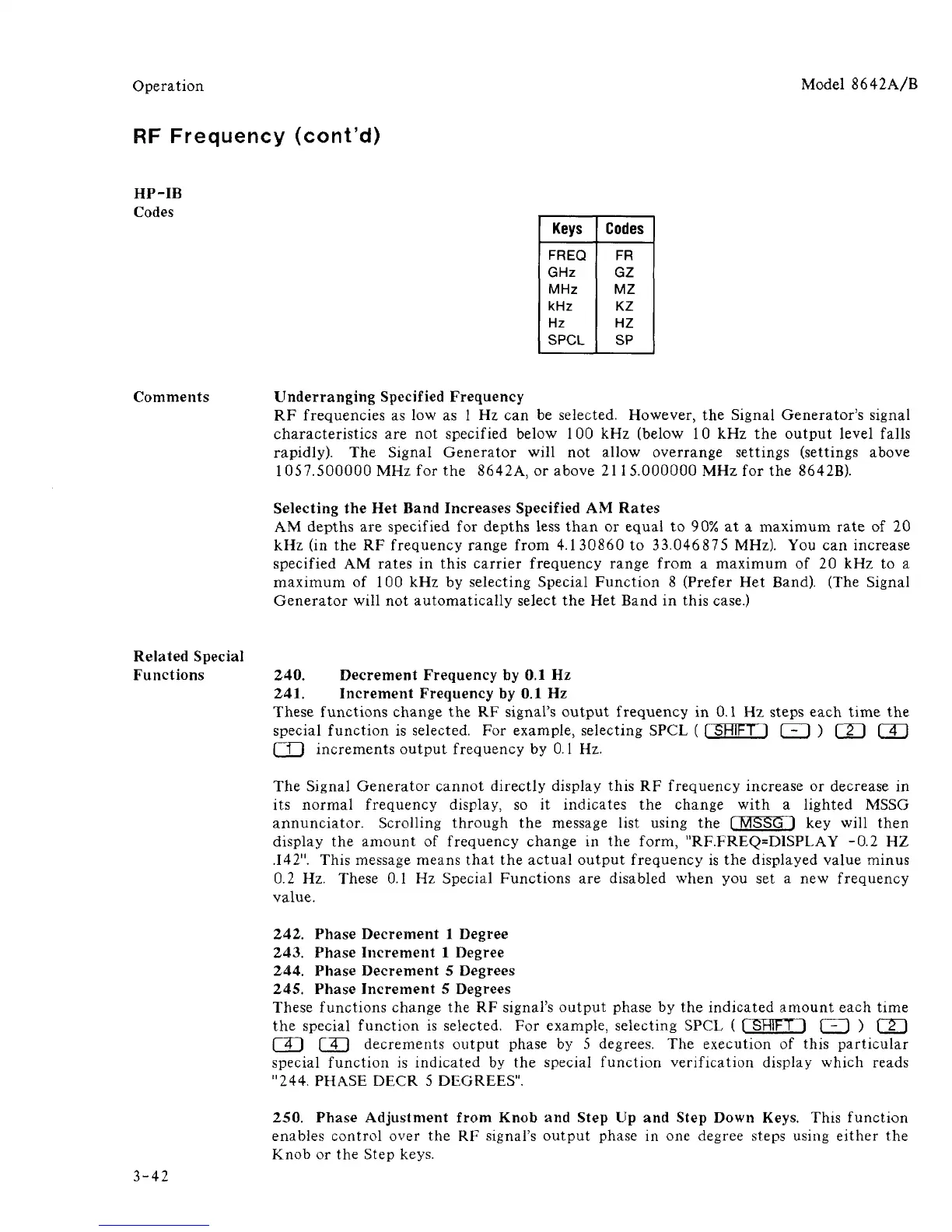
HP-IB
Codes
Keys
FREQ
GHz
MHz
kHz
Hz
SPCL
Codes
FR
GZ
MZ
KZ
HZ
SP
Comments Underranging Specified Frequency
RF frequencies as low as 1 Hz can be selected. However, the Signal Generator's signal
characteristics are not specified below 100 kHz (below 10 kHz the output level falls
rapidly). The Signal Generator will not allow overrange settings (settings above
1 057.500000 MHz for the 8642A, or above 21
1
5.000000 MHz for the 8642B).
Selecting the Het Band Increases Specified AM Rates
AM depths are specified for depths less than or equal to 90% at a maximum rate of 20
kHz (in the RF frequency range from 4.130860 to 33.046875 MHz). You can increase
specified AM rates in this carrier frequency range from a maximum of 20 kHz to a
maximum of 100 kHz by selecting Special Function 8 (Prefer Het Band). (The Signal
Generator will not automatically select the Het Band in this case.)
Related Special
Functions
240.
Decrement Frequency by 0.1 Hz
241.
Increment Frequency by 0.1 Hz
These functions change the RF signal's output frequency in 0.1 Hz steps each time the
special function is selected. For example, selecting SPCL ( [ SHIFT I 1 - I ) F2~) [ 4 J
m increments output frequency by 0.1 Hz.
The Signal Generator cannot directly display this RF frequency increase or decrease in
its normal frequency display, so it indicates the change with a lighted MSSG
annunciator. Scrolling through the message list using the [ MSSG J key will then
display the amount of frequency change in the form, "RF.FREQ=DISPLAY -0.2 HZ
.142".
This message means that the actual output frequency is the displayed value minus
0.2 Hz. These 0.1 Hz Special Functions are disabled when you set a new frequency
value.
242.
Phase Decrement 1 Degree
243.
Phase Increment 1 Degree
244.
Phase Decrement 5 Degrees
245.
Phase Increment 5 Degrees
These functions change the RF signal's output phase by the indicated amount each time
the special function is selected. For example, selecting SPCL ( [ SHIFT 1 [ - 1 ) [ 2 ]
f~4~] r"4~1 decrements output phase by 5 degrees. The execution of this particular
special function is indicated by the special function verification display which reads
"244.
PHASE DECR 5 DEGREES".
3-42
250.
Phase Adjustment from Knob and Step Up and Step Down Keys. This function
enables control over the RF signal's output phase in one degree steps using either the
Knob or the Step keys.



 To Next Page