Model 8642A/B
Operation
Amplitude (cont'd)
EMF
How to Set the Amplitude Output in EMF Units
The EMF mode is turned on using these selections:
EMF ( fSHIFT I I INCR SET I ) ( OFF ON I (HP-IB code: EMON).
Then, the EMF amplitude output can be set by selecting the amplitude function and
setting the desired output level:
( AMPTD
1
and the desired output level (in V, mV, uV, or dBuV; the rHAD~~%~) key is the
dBuV terminator).
Subsequent voltage entries will be in EMF units (note the EMF annunciator) until the
EMF mode is turned off. You can turn off the EMF mode from the front panel in the
same way you turned it on:
EMF ([ SHIFT 1 I INCR SET 1 )
I
OFF ON 1 (HP-IB code: EMOF).
Example
Turn on the EMF mode.
LOCAL
(keys)
(program
codes)
[
SHIFT
1
ENTRY
INCR
1 ON 1
I
SET |
EMON
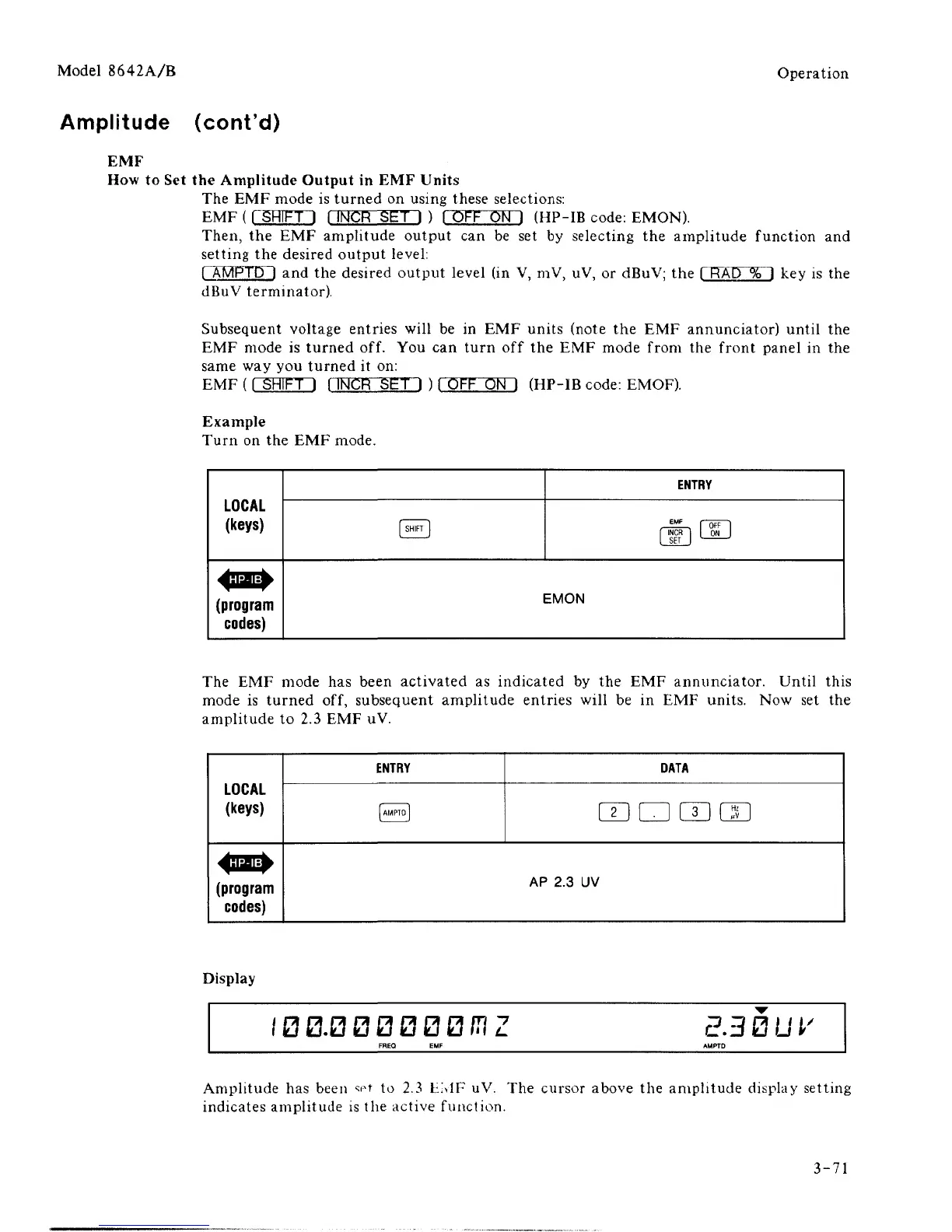
The EMF mode has been activated as indicated by the EMF annunciator. Until this
mode is turned off, subsequent amplitude entries will be in EMF units. Now set the
amplitude to 2.3 EMF uV.
LOCAL
(keys)
^!IJ|:^
(program
codes)
ENTRY
[
AMPTO
1
DATA
raamm
AP
2.3 UV
Display
I00.000000CTZ E3BUV
Amplitude has been set to 2.3 HMF uV. The cursor above the amplitude display setting
indicates amplitude is the active function.
3-71



 To Next Page