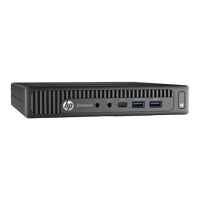
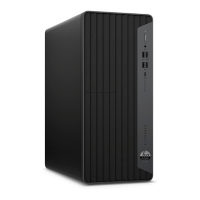
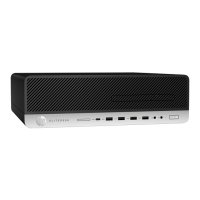
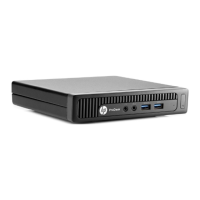
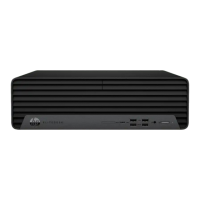
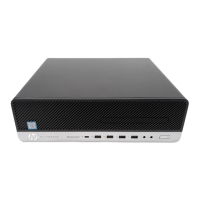
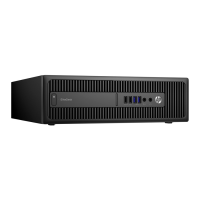
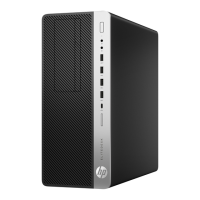
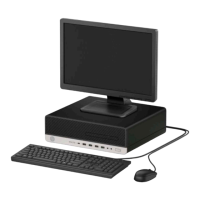
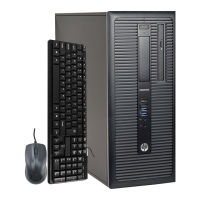
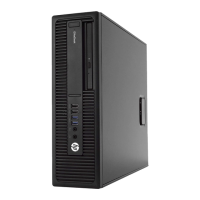
Top cover
1. Prepare the computer for disassembly (Preparation for disassembly on page 20).
2. Depending on the computer model, slide the cover lock switch (1) to the left , or loosen the thumbscrew
(1) on the rear panel as shown in the following images.
NOTE: If necessary, a Torx T-15 screwdriver may be used to loosen the thumbscrew.
3. Slide the access panel forward, and lift it o the computer (2).
NOTE: Your computer model may look slightly dierent from the illustrations in this section.
To install the top cover, reverse the removal procedure.
Top cover 21


 To Next Page
 Loading...