Quick Start 7
Step 4: Connect iPod and Transfer Music
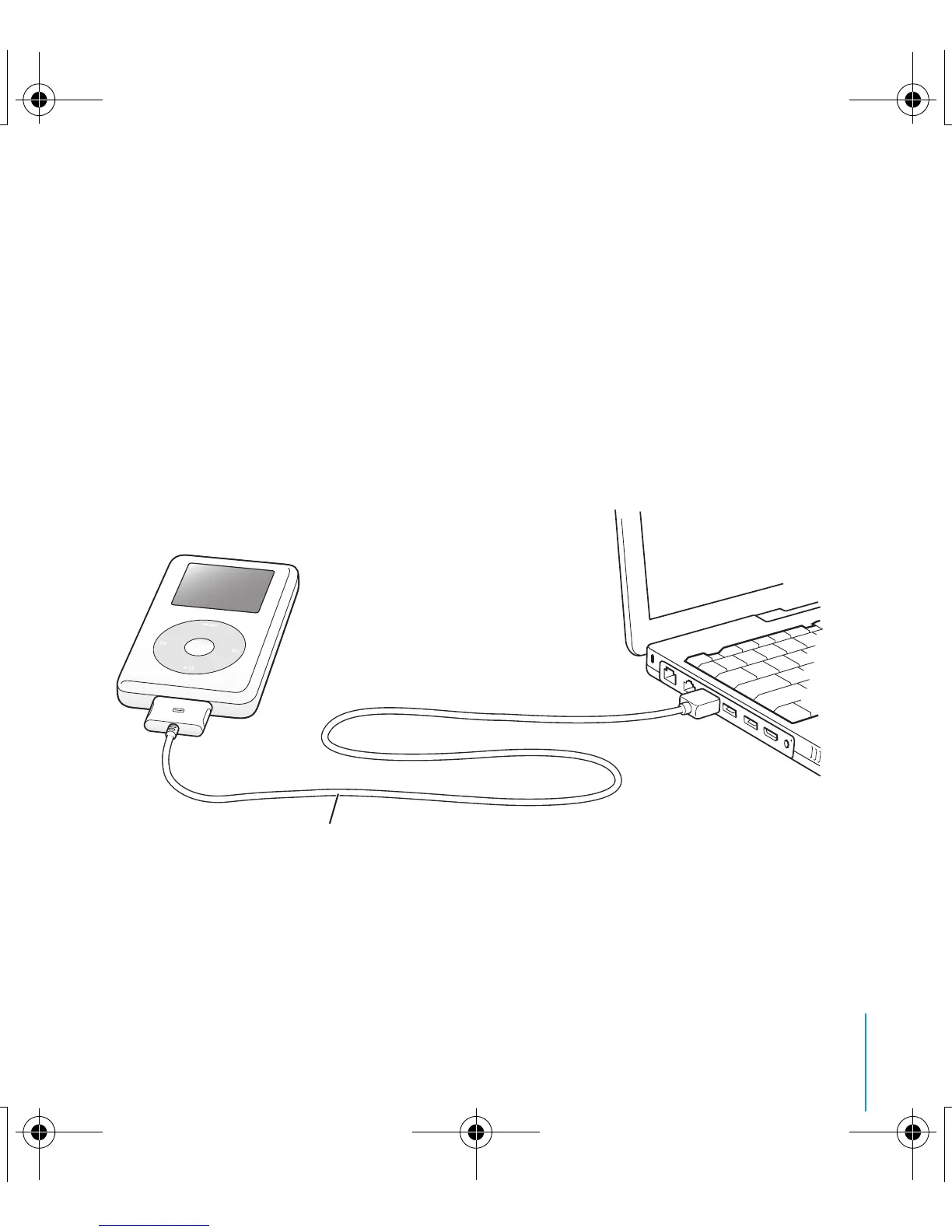
Connect iPod to your PC using the iPod Dock Connector to USB 2.0 Cable. Be
sure the connectors on both ends of the cable are oriented correctly. They can
only be inserted one way.
Note: If you have a PC with a 6-pin FireWire 400 port, you can use the iPod
Dock Connector to FireWire Cable.
Note: USB 1.1 is not supported.
You can also use the optional iPod Dock (see page 21).
Use the iPod Dock Connector to USB 2.0 Cable
to connect to a high-power USB 2.0 port.
034-2616-A.book Page 7 Thursday, July 8, 2004 12:36 PM



 To Next Page