EL-MF877-00 Page 2
Template Revision B
PSG instructions for this template are available at EL-MF877-01
Components, parts and materials containing
refractory ceramic fibers
0
Components, parts and materials containing
radioactive substances
0
2.0 Tools Required
List the type and size of the tools that would typically be used to disassemble the product to a point where components
and materials requiring selective treatment can be removed.
Tool Description Tool Size (if
applicable)
Description #1:SCREW DRIVER
25cm
Description #2
Description #3
Description #4
Description #5
3.0 Product Disassembly Process
3.1 List the basic steps that should typically be followed to remove components and materials requiring selective treatment:
1. Take off the screws of stand,and remove the stand
2. Take off the screws of rear cover,remove the rear cover
3. Remove BEZEL
4. Release the screws besides connectors
5. Release the screws from mainframe and panel
6. Pull out the PIN of lamp
7. Release the screws besides conn
8. Pull out the PIN of FFC cable, separate the mainframe and PANEL
9. dismantle the power (main usb) board screws
10. take off the board
11.
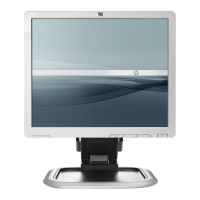
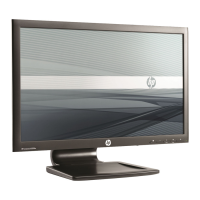
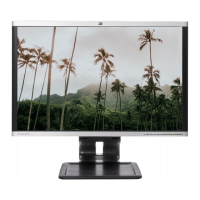
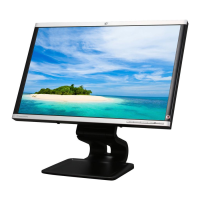
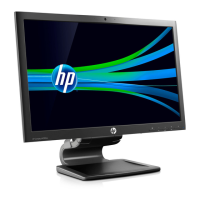
3.2 Optional Graphic. If the disassembly process is complex, insert a graphic illustration below to identify the items
contained in the product that require selective treatment (with descriptions and arrows identifying locations).



 To Next Page