EN
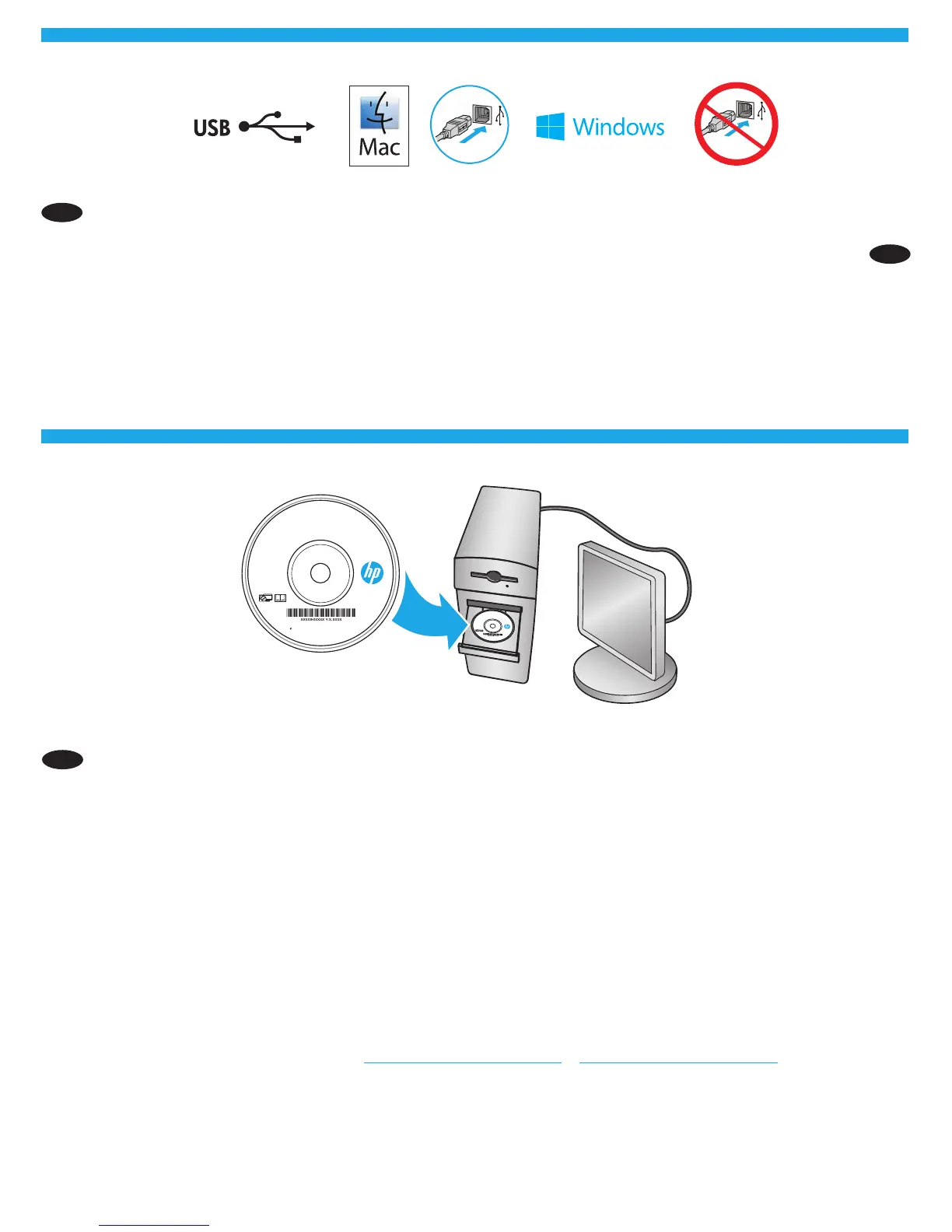
Windows: Do not connect the USB cable until prompted during the software installation in the next step.
Mac: Connect the USB cable now.
EN Windows: Install the product software from the CD. Follow the on-screen instructions. See the Install Notes le on the product CD for more
specic software installation instructions.
For the product specic HP PCL.6 32 bit driver connecting with a USB cable in Windows XP, and Windows Vista®:
Perform the following steps:
1. Make sure the product is turned on and connected to the computer.
2. Open the Windows Start menu, and then click Devices and Printers (or Printers and Faxes for XP).
3. Right-click the name of this product, and select Printer Properties (or Properties for XP).
4. Click the Device Settings tab.
5. Click the Installable Options section.
6. M553n only: In the drop-down box next to Duplex Unit (for 2-Sided Printing), select Not Installed.
7. In the drop-down box next to Printer Hard Disk, select Installed. (Note: This setting applies even if an optional hard disk is not installed.
The product comes with an embedded multi-media controller instead of a hard disk. An optional hard disk is also available.)
8. In the drop-down box next to Job Storage, select Automatic.
9. In the drop-down box next to Mopier Mode, select Enabled.
10. In the drop-down box next to Device Type, select Color.
Mac: Mac computers are supported with this product. The Mac print driver and print utility are available for download from hp.com and
might also be available via Apple Software Update. The installer le on the CD includes a link to download the les from the Web. The HP Mac
software is not included in the in-box CD. Go to www.hp.com/support/colorljM552 or www.hp.com/support/colorljM553. Select Download
Options, and then select Drivers, Software & Firmware. Click the operating system version, and then click the Download button.
NOTE: The default driver for OS X 10.8 Mountain Lion and OS X 10.9 Mavericks is the Apple AirPrint driver. To install the full featured HPdriver,
when adding a printer, from the drop-down list of printers select the appropriate HP driver depending on the model: HP Color LaserJet
Enterprise M552 or M553.
HE
USB :Windows
USB :Mac



 To Next Page