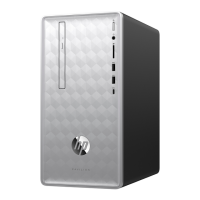
10. Tighten the screw, securing the side panel to the
back of the computer.
11. Plug the power cord and any additional cables
into the back of the computer.
12. Press the power button to turn on the computer.
Features may vary by model.
Upgrading or Replacing an Add-in Card
23



 To Previous Page
 Loading...