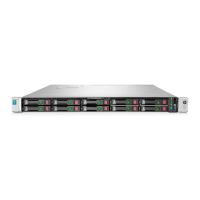
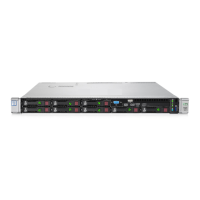
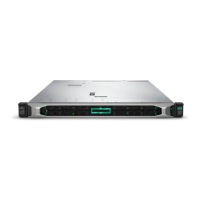
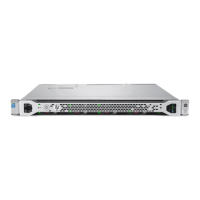
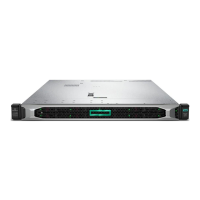
8 HP ProLiant DL360 Generation 4p Server User Guide
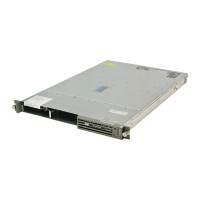
Item Description
1 Diskette drive bay
2 Optical device bay
3 Front USB port
4 Hard drive bay 0
5 Hard drive bay 1
Front Panel LEDs and Buttons
Item Description Status
1 Power On/Standby button
and system power LED
Green = System is on.
Amber = System is shut down, but power is still applied.
Off = Power cord is not attached, power supply failure has
occurred, no power supplies are installed, facility power is not
available, or the DC-to-DC converter is not installed.
2 UID button/LED Blue = Identification is activated.
Flashing blue = System is being remotely managed.
Off = Identification is deactivated.



 To Next Page
 Loading...