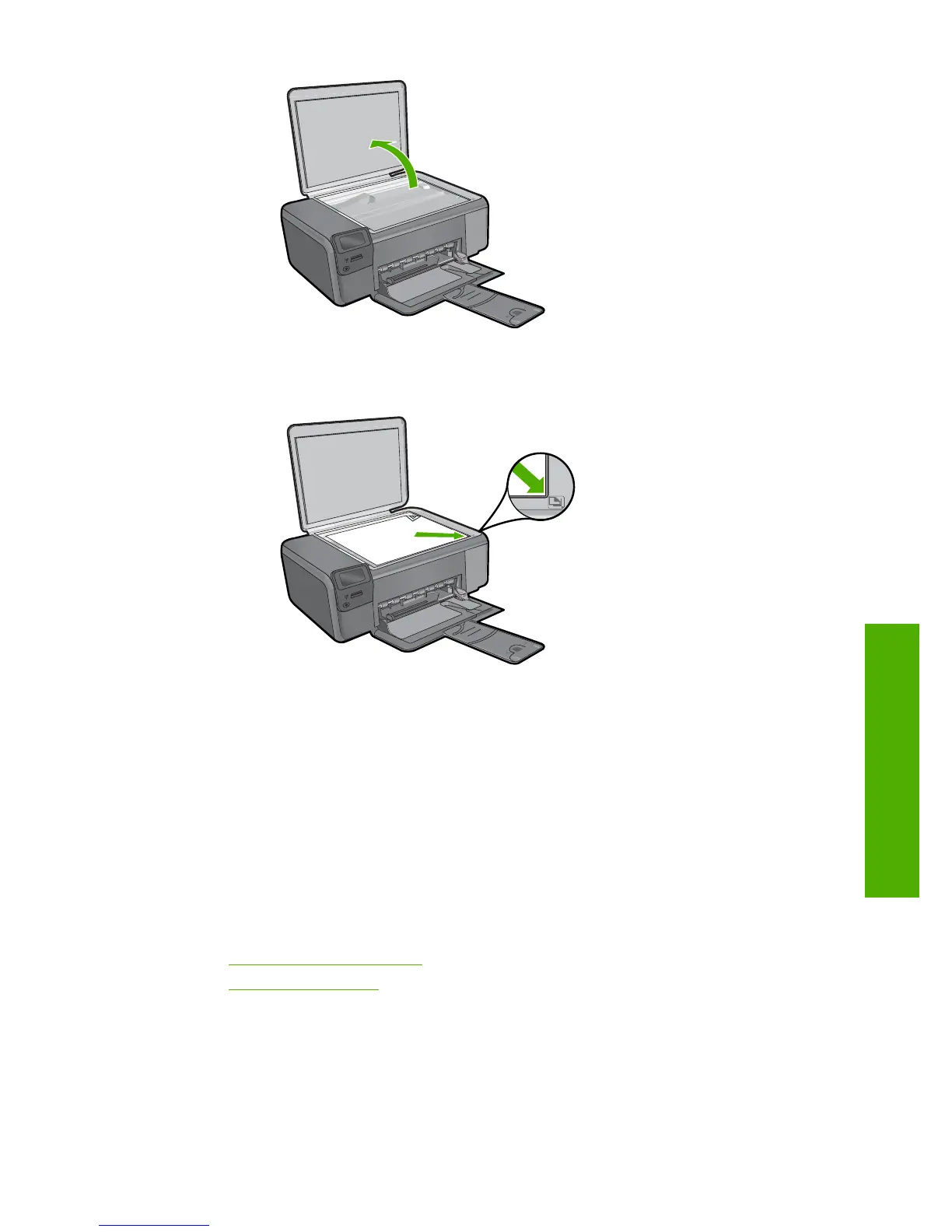
Load original print side down on right front corner of glass.
Close lid.
c. Select Copy.
Press button next to Copy.
Press button next to Color Copy .
Press button next to Actual Size.
Press button next to Copies to increase number of copies to two.
d.Start copy.
Press OK.
Related topics
•“
Change the copy settings” on page 34
•“
Stop the current job” on page 121
Copy text or mixed documents 33
Copy



 To Next Page