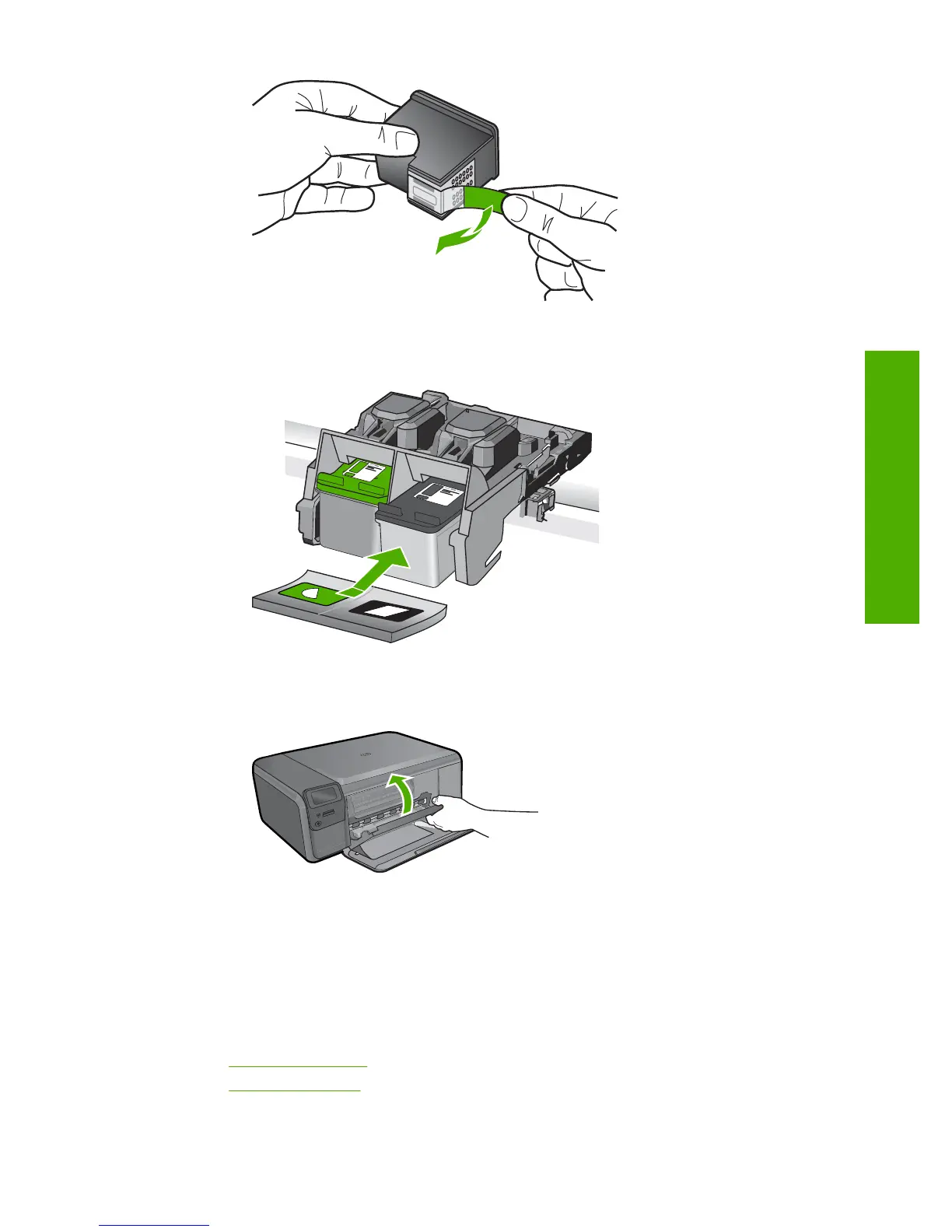
c. Line up colored shaped icons, then slide cartridge into slot until it clicks into place.
d. Close cartridge door.
4. Align cartridges.
a. When prompted, press OK to print a cartridge alignment page.
b. Load page print side down on right front corner of glass, and then press OK to
scan page.
c. Remove alignment page and recycle or discard it.
Related topics
•“
Order ink supplies” on page 42
•“
Ink-backup mode” on page 42
Replace the cartridges 41
Work with cartridges



 To Next Page