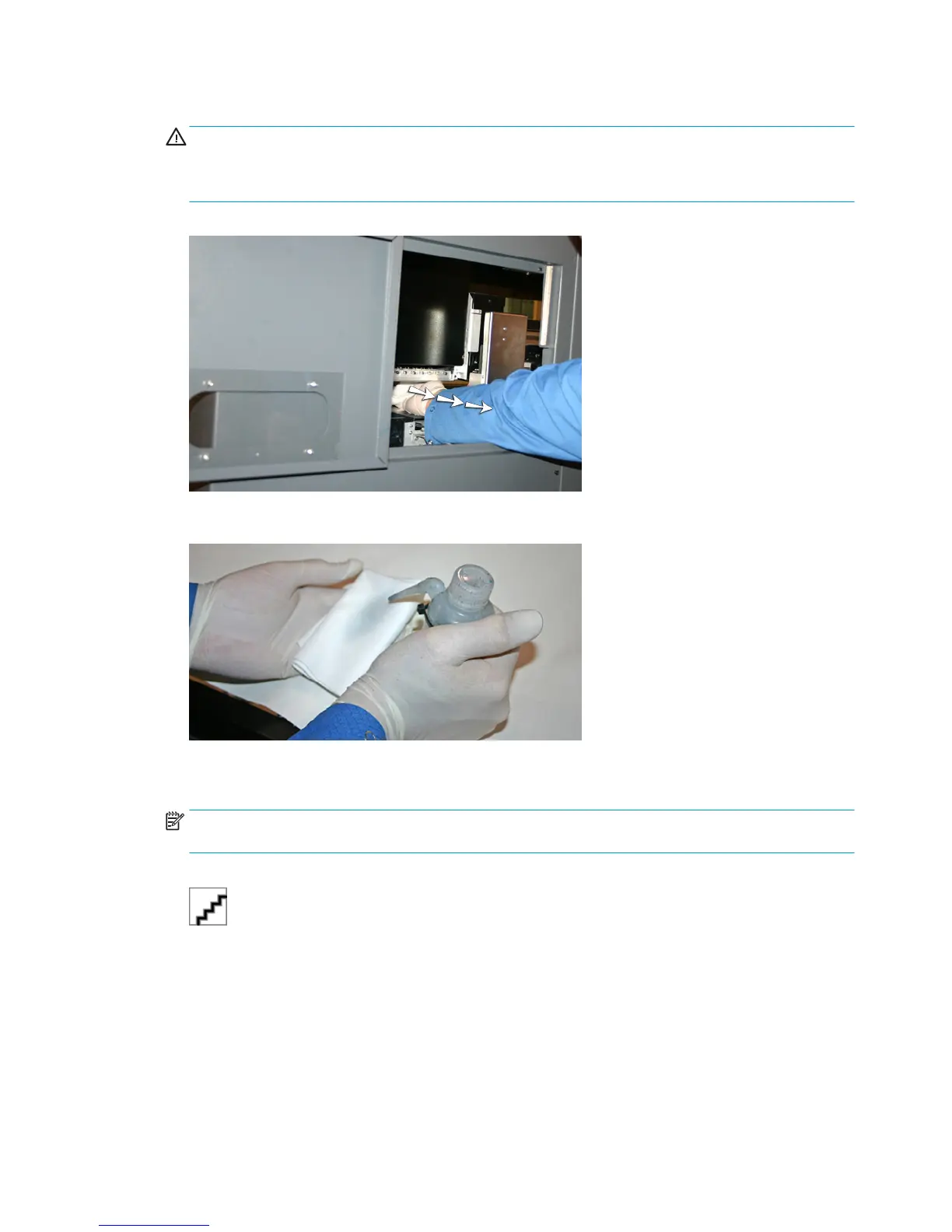
3. Open the service door to access the carriage over the service station.
CAUTION: Wear protective gloves, such as latex, to protect your hands from being stained with ink.
CAUTION: Wear safety glasses to protect your eyes from ink and head flush that may splash into your
eyes.
Figure 10-5 Reaching the printheads through the access door
4. Saturate a lint-free cloth with printhead flush solution.
5. For each color, press a clean portion of the cloth with two fingers, on one printhead, and draw the cloth
across the printheads toward you (see the following figure).
NOTE: To avoid pushing debris into the printhead orifice, make sure each wipe is done with a clean
area of the cloth. The cloth should be saturated with head flush.
Figure 10-6 Wiping printheads
6. Clean the bottom of the pen plate (see the previous picture) using a lint-free cloth saturated with head
flush.
7. To reset the maintenance counter for this task and complete the procedure, press Proceed.
8. Select Ink> Purge from the control panel.
9. Select Ink> Check Jet Health from the control panel upon purge completion.
10. Examine the jet health pattern for missing jets. If a printhead has missing jet, repeat steps 1 through 9.
80
Chapter 10 User cleaning ENWW



 To Next Page