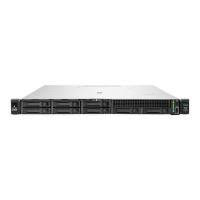
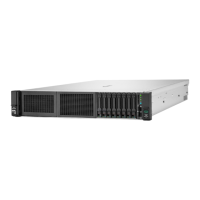
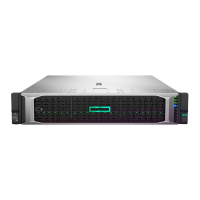
To replace the component, reverse the removal procedure.
Removing and replacing a DIMM guard
To perform this procedure, you will need a T-15 Torx screwdriver.
Procedure
1. If installed, remove the bezel.
2. Power down the server.
3. Remove all power:
a. Disconnect each power cord from the power source.
b. Disconnect each power cord from the server.
4. Do one of the following:
• Extend the server from the rack.
• Remove the server from the rack.
5. Remove the access panel.
6. From the left DIMM guard, remove the Chassis Intrusion Detection switch.
7. Remove the DIMM guard.
• Right DIMM guard
Removal and replacement procedures 73

 To Next Page
 Loading...