4. Use the editing tools to enter text, record audio, and more.
5. Draw figures and insert images such as photos and illustrations. To find out
how, see Inserting images and illustrations in a note on page 247.
6. Tap for other options, such as changing the template, linking the note to an
event, and more.
7. Tap or to undo or redo your actions.
8. Press to save the note.
Inserting images and illustrations in a note
1. While composing a note, you can:
§ Tap to take a photo, or tap > Insert picture to select an image
from Gallery.
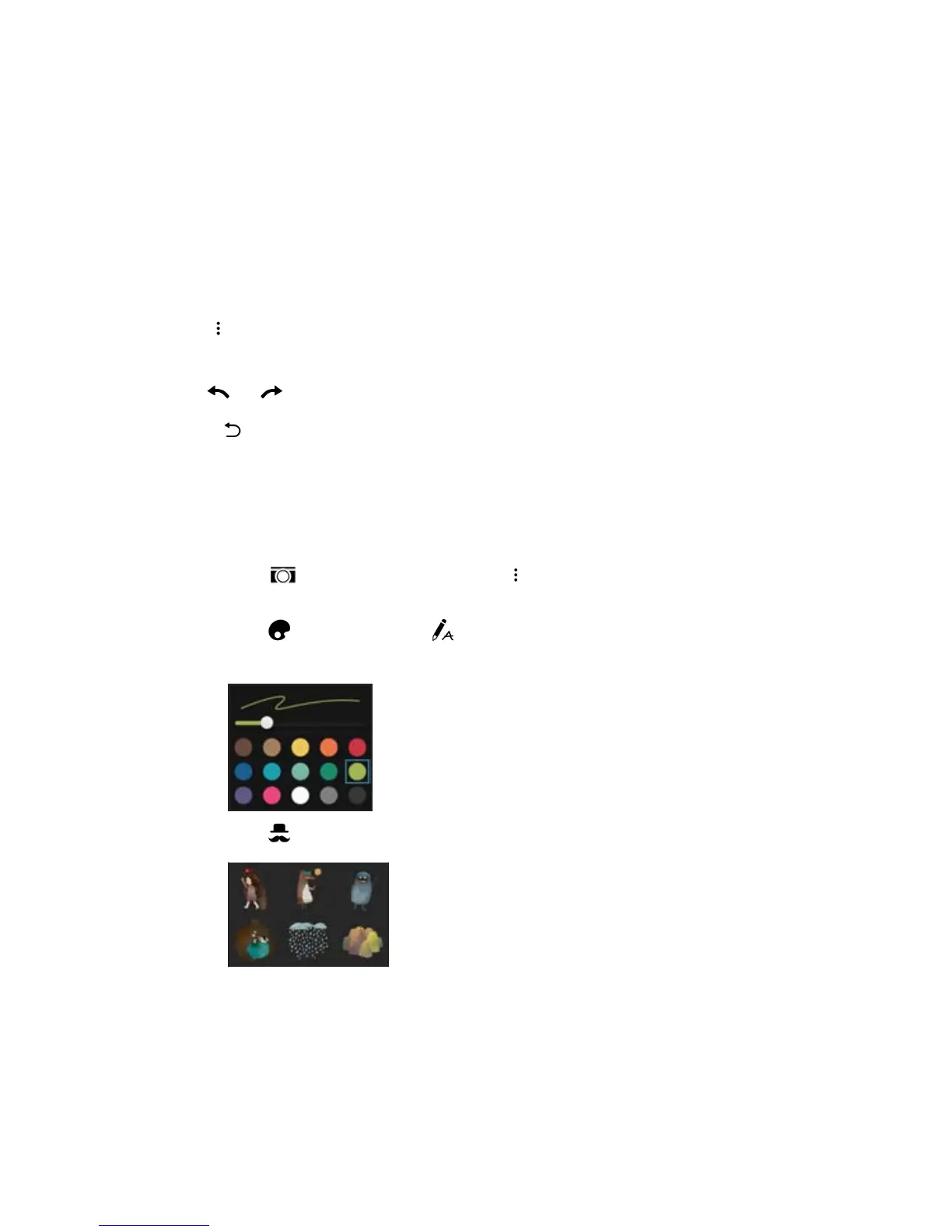
§ Tap to draw, or tap to write text. You can change the pen
characteristics.
§ Tap to insert a sticker.
Other apps 247



 To Next Page