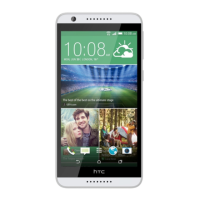
5. When HTC Desire 526 receives a file transfer request notification, slide the
Notifications panel down, tap the incoming file notification, and then tap
Accept.
6. When a file is transferred, a notification is displayed. Slide the Notifications
panel down, and then tap the relevant notification to view the file.
7. You can also tap > Show received files to view files received via Bluetooth.
Wireless sharing 263


 To Next Page