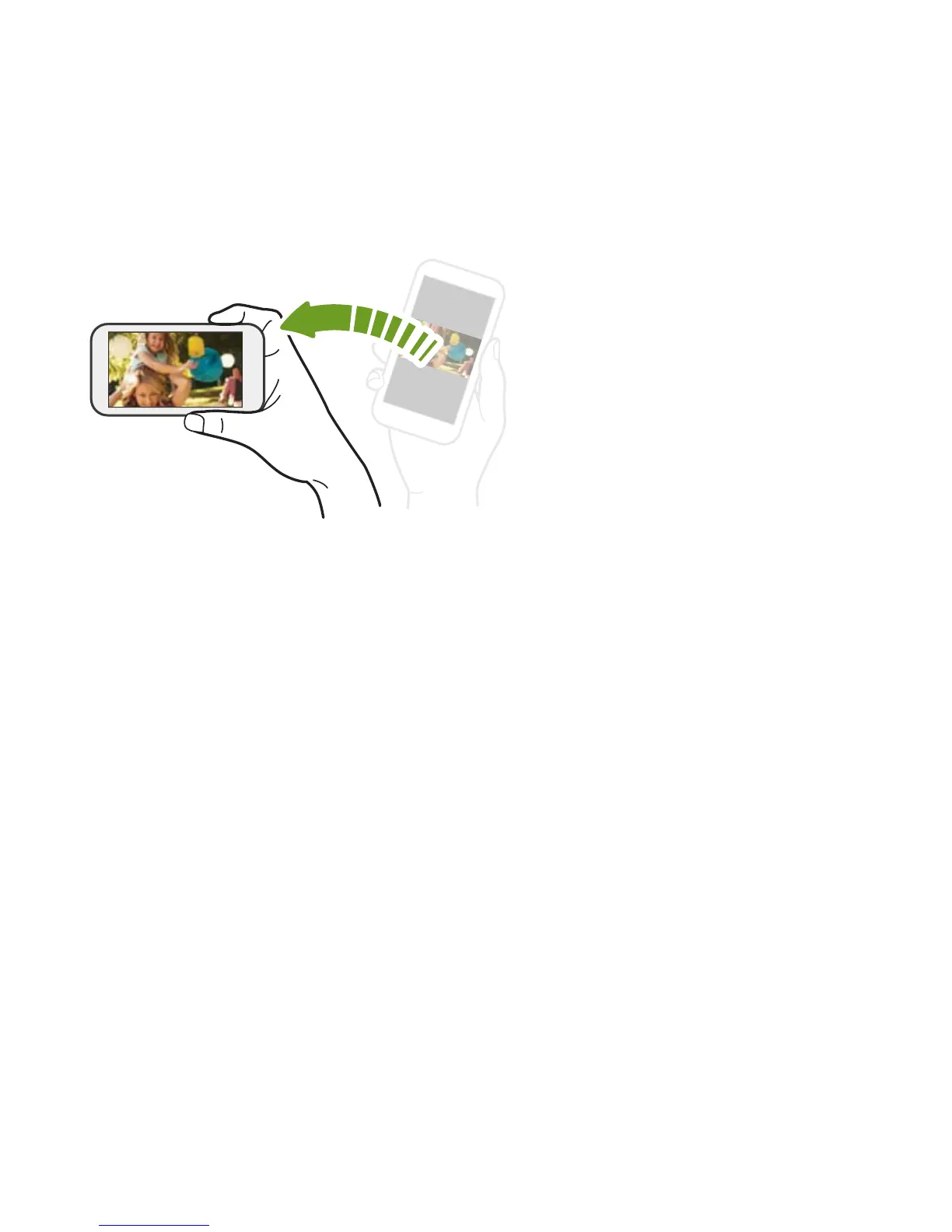
Rotate HTC Desire 526 for a better view
For many screens, you can
automatically change the screen
orientation from portrait to
landscape by turning
HTC Desire 526 sideways.
When entering text, you can turn
HTC Desire 526 sideways to bring
up a bigger keyboard.
Your first week with your new phone 55



 To Next Page