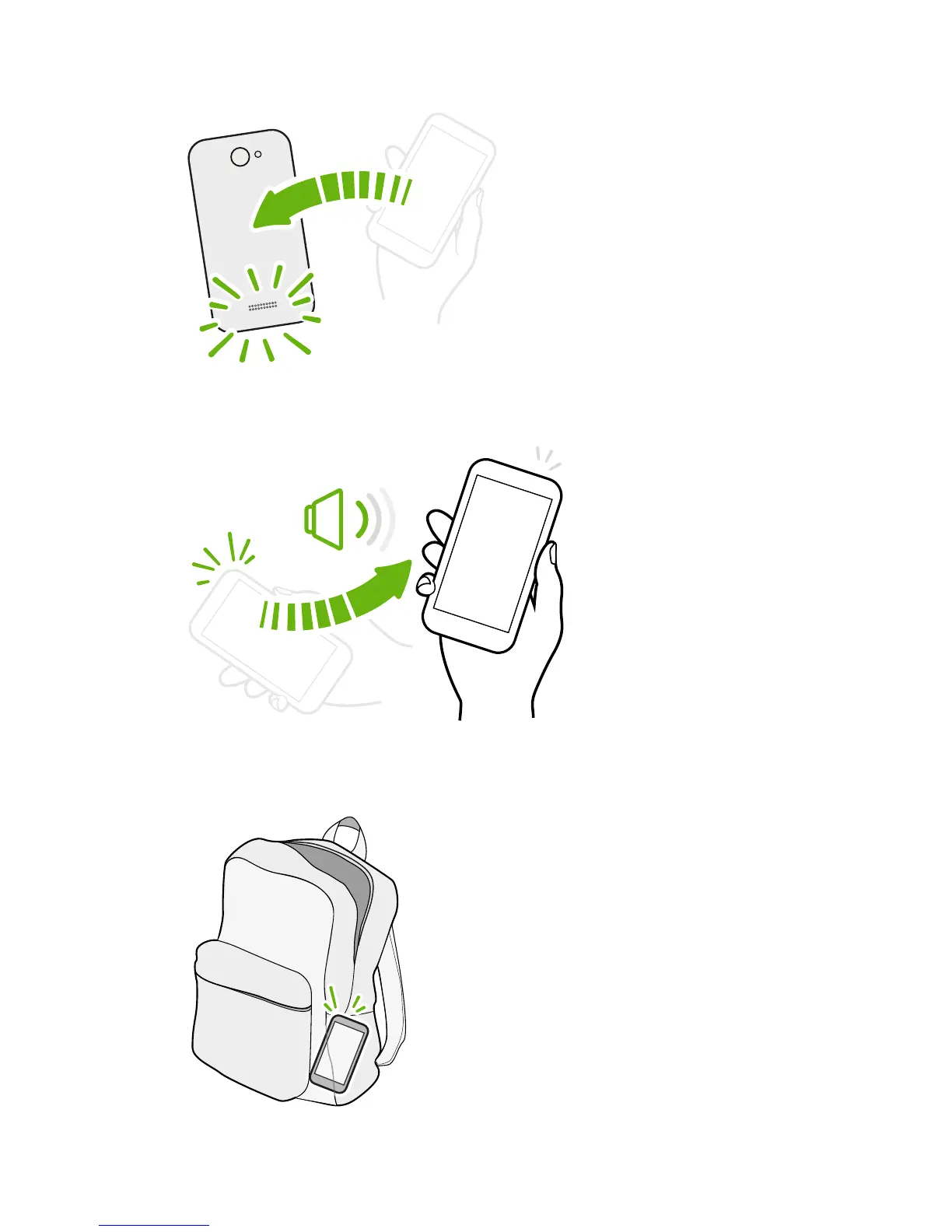
While in a call, turn HTC Desire SV
over to turn the speakerphone on for
hands-free conversations or for
conference calling.
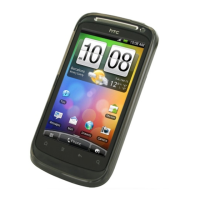
Pick up to lower volume
In a business meeting or
restaurant, pick HTC Desire
SV up when a call comes in
to lower the ringtone
volume.
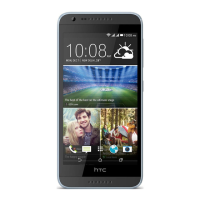
Set volume to automatically rise while in your pocket or bag
On a noisy street and can't hear HTC Desire SV
ringing in your bag?
You can set HTC Desire SV to recognize when it's
in your bag or pocket and raise the ringtone
volume so that you can hear it in noisy
environments.
23 Your first week with your new phone



 To Next Page