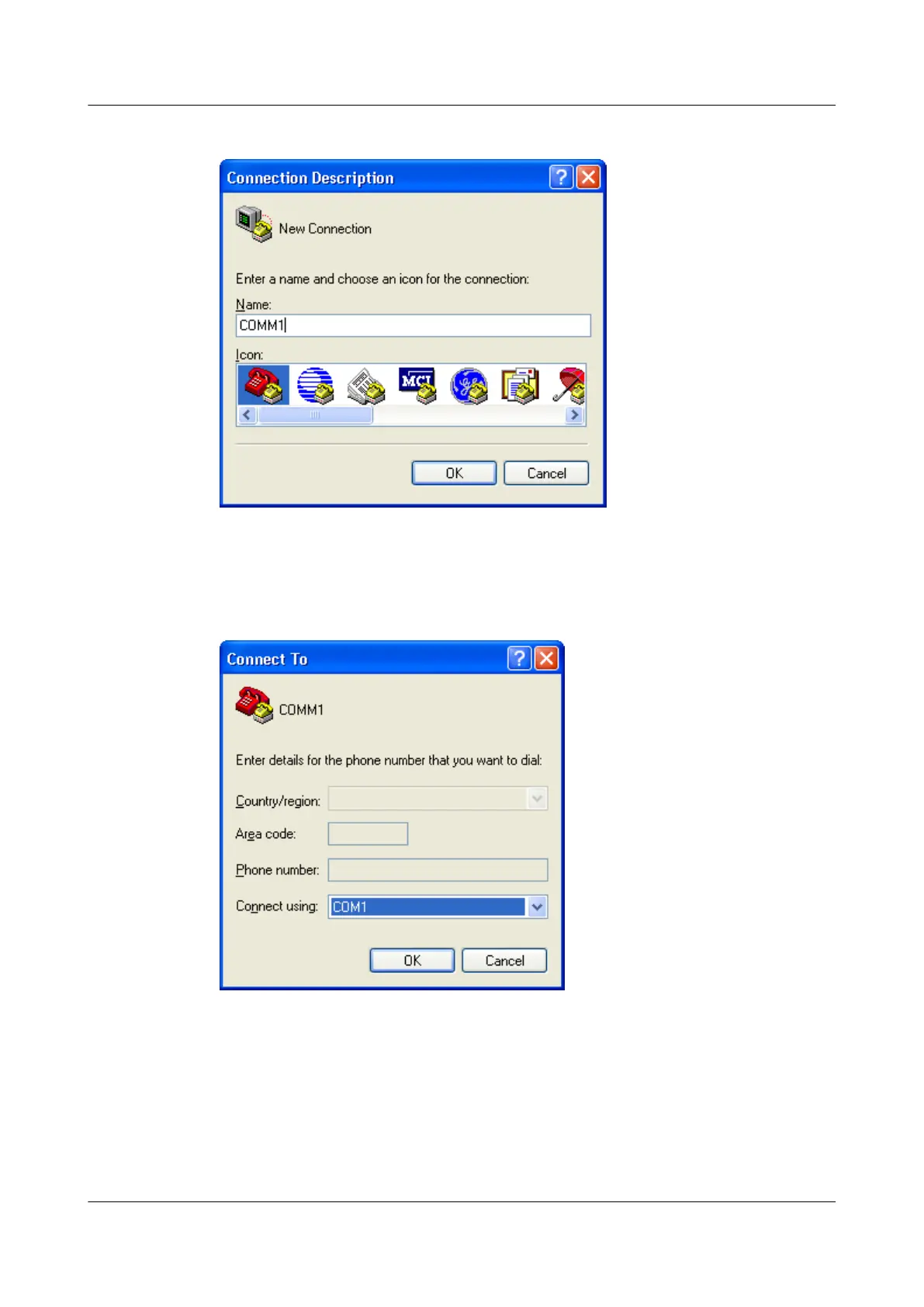
Figure 1-1 Connection creation
Step 2 Set an interface, as shown in Figure 1-2.
Figure 1-2 Interface settings
Step 3 Set communication parameters to match the router defaults, as shown in Figure 1-3.
Huawei AR1200 Series Enterprise Routers
Configuration Guide - Basic Configuration 1 Logging In to the System for the First Time
Issue 04 (2012-05-15) Huawei Proprietary and Confidential
Copyright © Huawei Technologies Co., Ltd.
4



 To Next Page
 Loading...









