Advanced UFB (Starter, Pro, Elite,
Gigatown) Setup
Required items:
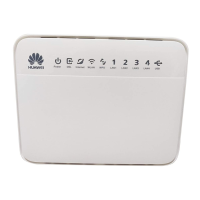
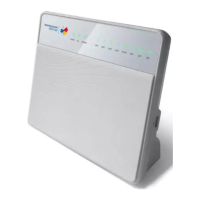
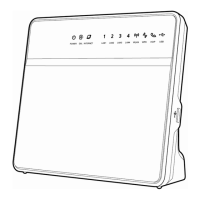
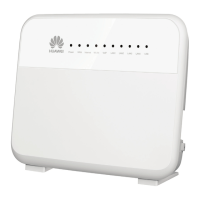
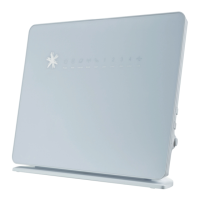
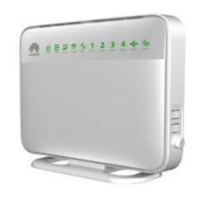
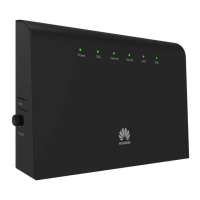
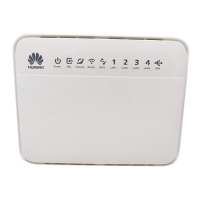
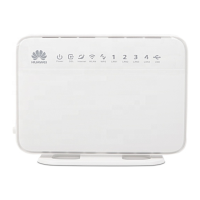
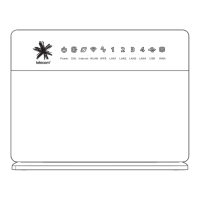
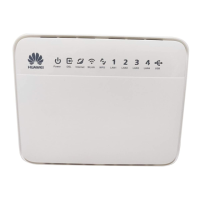
The Bigpipe Modem (HG659)
Power supply unit (PSU)
2x Ethernet (RJ45-RJ45) cables
Computer
Active ONT (Optical Network Terminal)
Physical connections:
Power needs to be applied to HG659 through included PSU
PSU needs to be connected to a working power point
LAN port on HG659 needs to be connected to computer with
Ethernet cable
WAN port on HG659 needs to be connected to active port
on ONT with Ethernet cable
Active port may be marked LAN 1-4 or GE 1-4.
By default port 1 will be active. May differ on case by
case basis
ONT needs to be powered on
ONTs by region
ONT in Chorus region
ONT in Enable region


 To Next Page
 Loading...