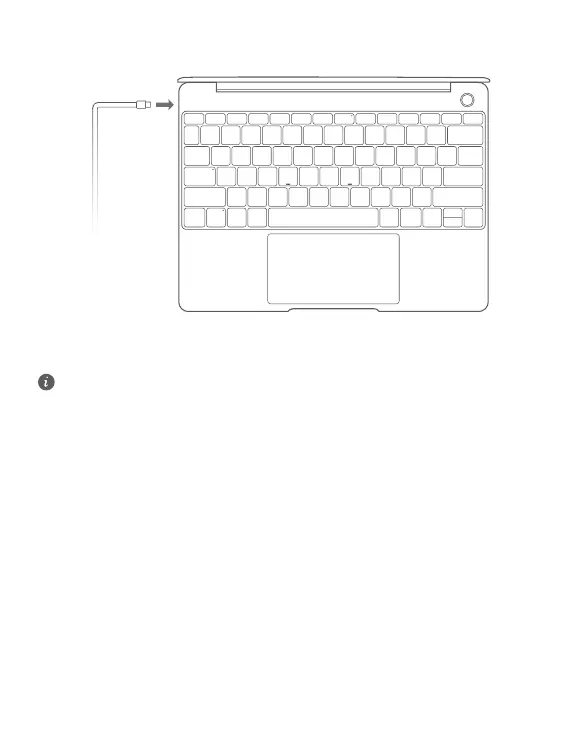
Charging your MateBook 13
Your MateBook 13 has a built-in rechargeable battery, and you can charge it using the adapter and USB-
C charging cable that came with it. The battery level is high or fully charged when the charging indicator
stays steady white.
You can use the power port located on the left side of your MateBook 13 to charge it, and the
right USB-C port to transfer data and enable DisplayPort.
4













 To Next Page