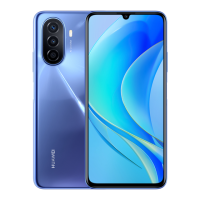
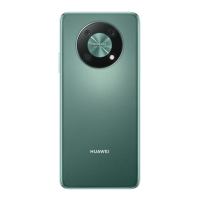
The gures are for reference only.
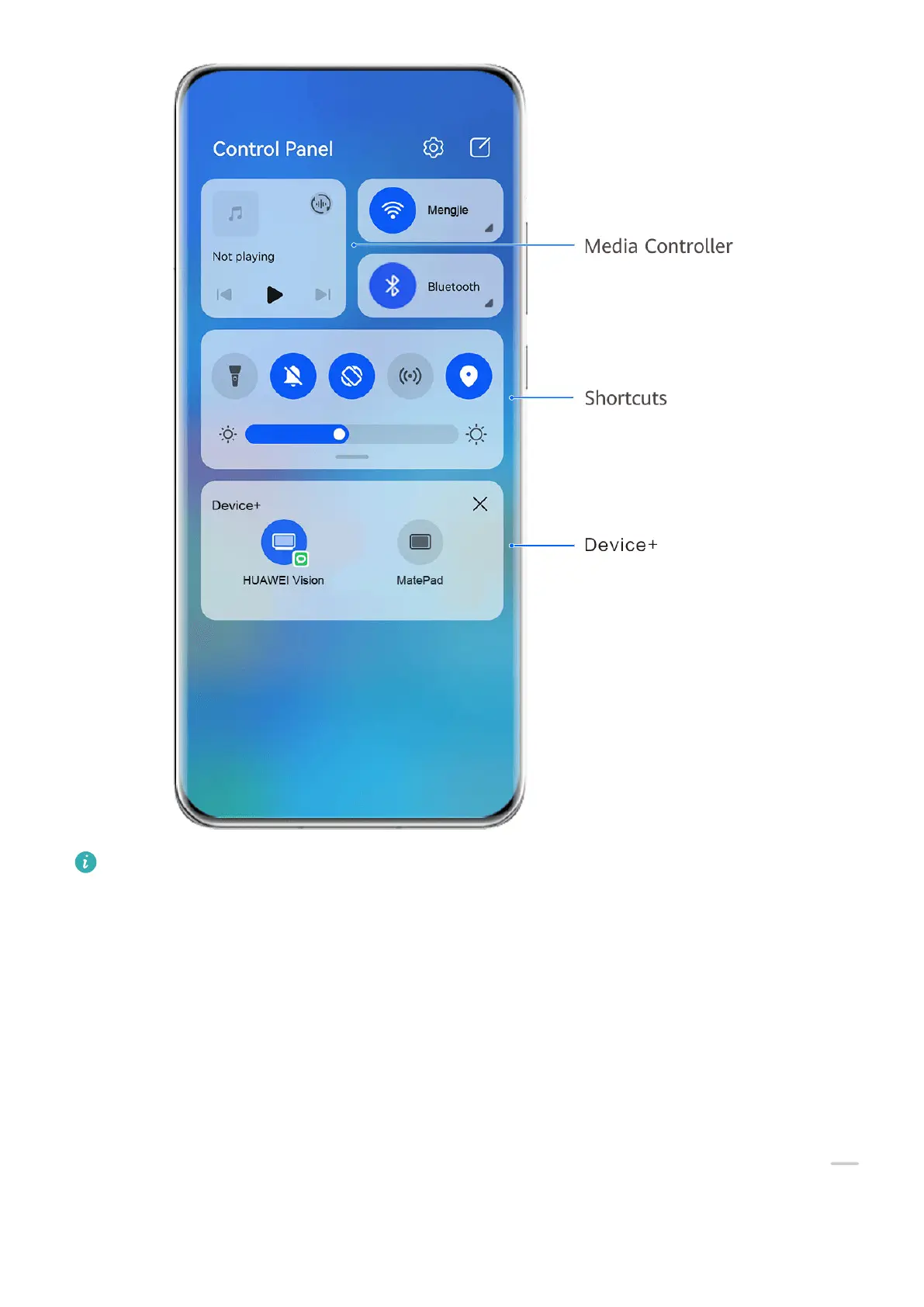
• Media controls: To control media playback and switch between recently used media apps
and media devices (such as Visions and Bluetooth headsets).
• Shortcut controls: To enable, disable, or set frequently used features.
• Device+: Automatically discovers nearby devices logged in to the same HUAWEI ID and
allows you to link them so they work together as one.
Use Shortcut Switches
Turn on a Shortcut Switch
Swipe down from the upper right edge of the screen to display Control Panel and touch
to expand the shortcut switches panel (depending on your device model).
Essentials
10


 To Next Page