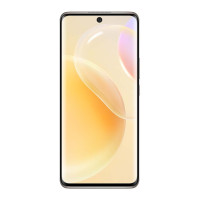
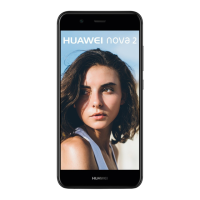
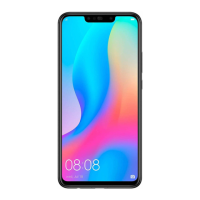
1 On the receiving device, enable Huawei Share.
2 On the sending device, open the app or website you want to share the content from, go to
> More, touch Huawei Share, wait for the system to scan for available devices, and
touch the name of the device you want to send the content to.
3 On the receiving device, touch ACCEPT to accept the transfer. The content will be opened
upon completion of the transfer.
• The operations may vary depending on the app you share from.
• Please make sure both devices have been updated to the latest system version.
Share Local Files Between Phones
If both devices support ultra-fast transmission, you can share a 2 GB movie or a series of
albums with a lot of photos between the devices within 30 seconds via Huawei Share (for
the list of devices that support ultra-fast transmission, please visit the ocial website). You
can preview the content on the receiving device before the transfer. Upon receiving the le,
the content will be displayed directly on the receiving device. For example, the recipient will
be automatically directed to Gallery to view received pictures and videos.
The gures are for reference only.
Smart Features
49


 To Next Page