Managing the content with Hublet Manager: Organization/Site
All the content and device configurations are managed under Organization / Site. If you are an organization admin, you will
see the tab Organization and can choose the Site you wish to edit. If you are a Site admin, you will only see the Site you have
the permission to edit and configure. There are a number of sub tabs that allow you to control different aspects of your Hublet
system.
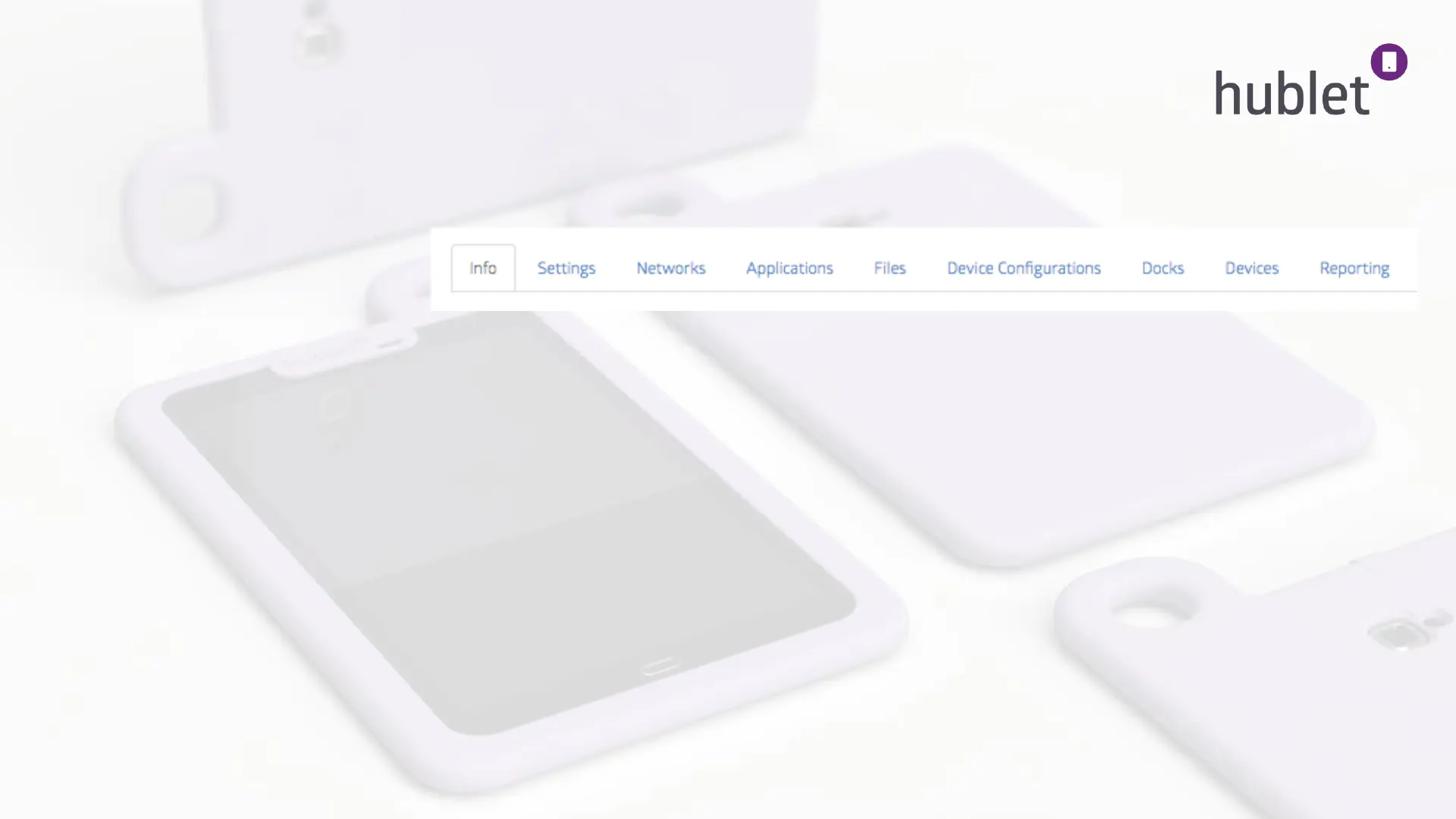
Here’s an overview of these tabs:
Settings: Choose the default loan duration for your site.
Networks: Configure the allowed networks for your tablets. They can’t connect to any other networks and will stop working when
taken out of your defined networks.
Applications: Choose the applications that are installed to all the tablets on your site.
Device Configurations: Create different user profiles for different use cases. The profile defines how your tablet will look like.
- choose which apps and weblinks appear on the desktop
- choose the background image
- configure profile-specific default settings such as allowed time out-of-wifi, sound on/off, screen lock on/off etc.
Docks: Shows you technical details of your system and the Master PIN code needed for setting up the network. You can also change the
colors of the lights here.
Devices: Shows you the serial numbers and MAC addresses of your tablets as well as the current Hublet software version they are running.
Reporting: Lets you see loan statistics in your organization/site and download them in .xls format.
2113/03/2019


 To Next Page
 Loading...