32
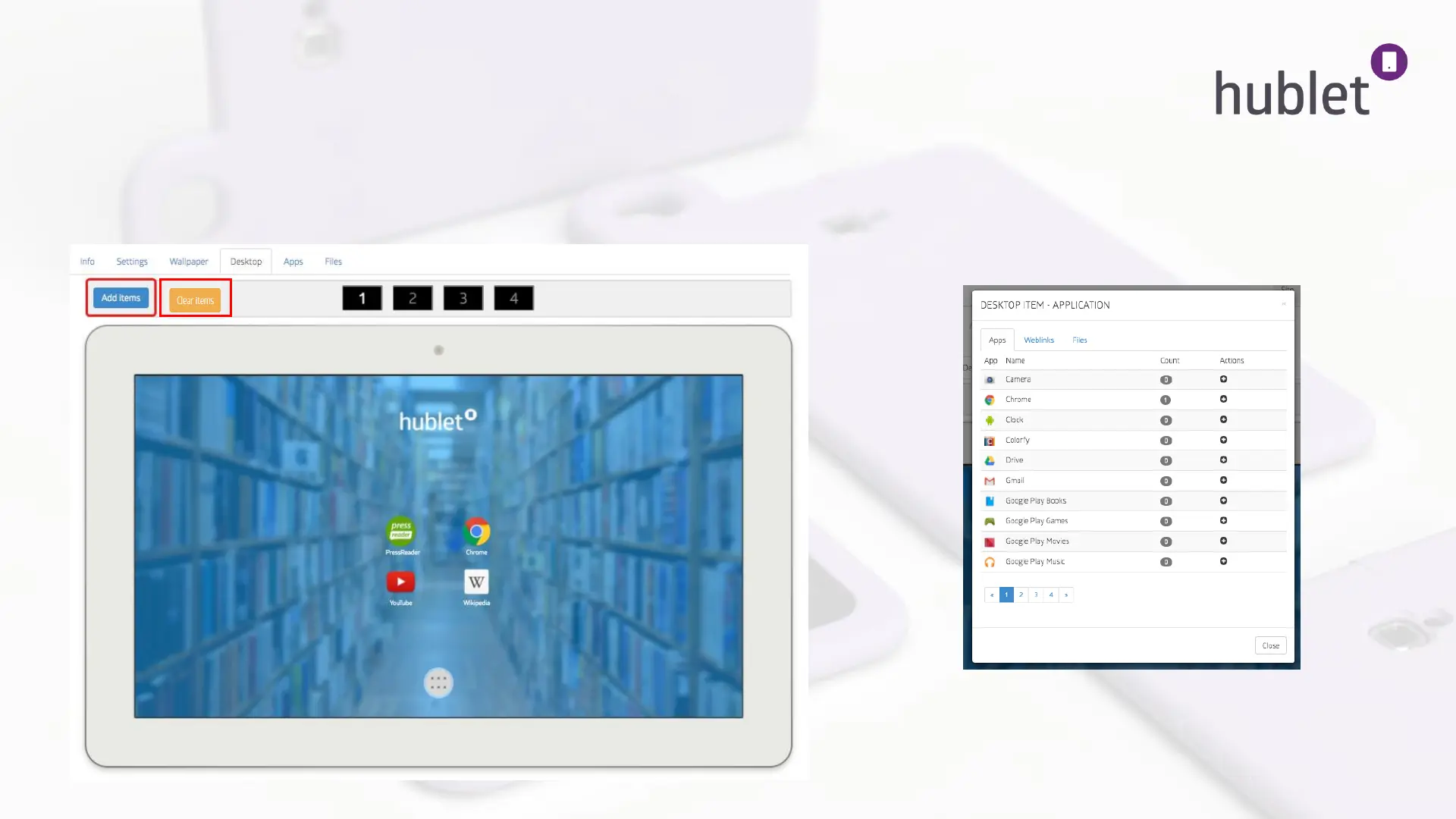
Desktop Defines how your tablet desktop will look like and what Apps, Weblinks and Files
are available for your users with the device configuration in question. You can add, move and
delete items with the Add-button and dragging and dropping them on the desktop. Whole desktop can be
deleted by pressing “Clear items” button. You have 4 desktops available: number 1 is the first the user see,
number 2 is one swipe to the right and so on.
Organization > Site > Device configurations > User profile > Overview 4/6
View: Device configurations > Profile > Desktop
>
View: Device configurations > Profile > Desktop > Add Items
This list shows the apps you chose in Site > Applications
to be installed on your devices + the Android built-in apps.
13/03/2019


 To Next Page
 Loading...