39
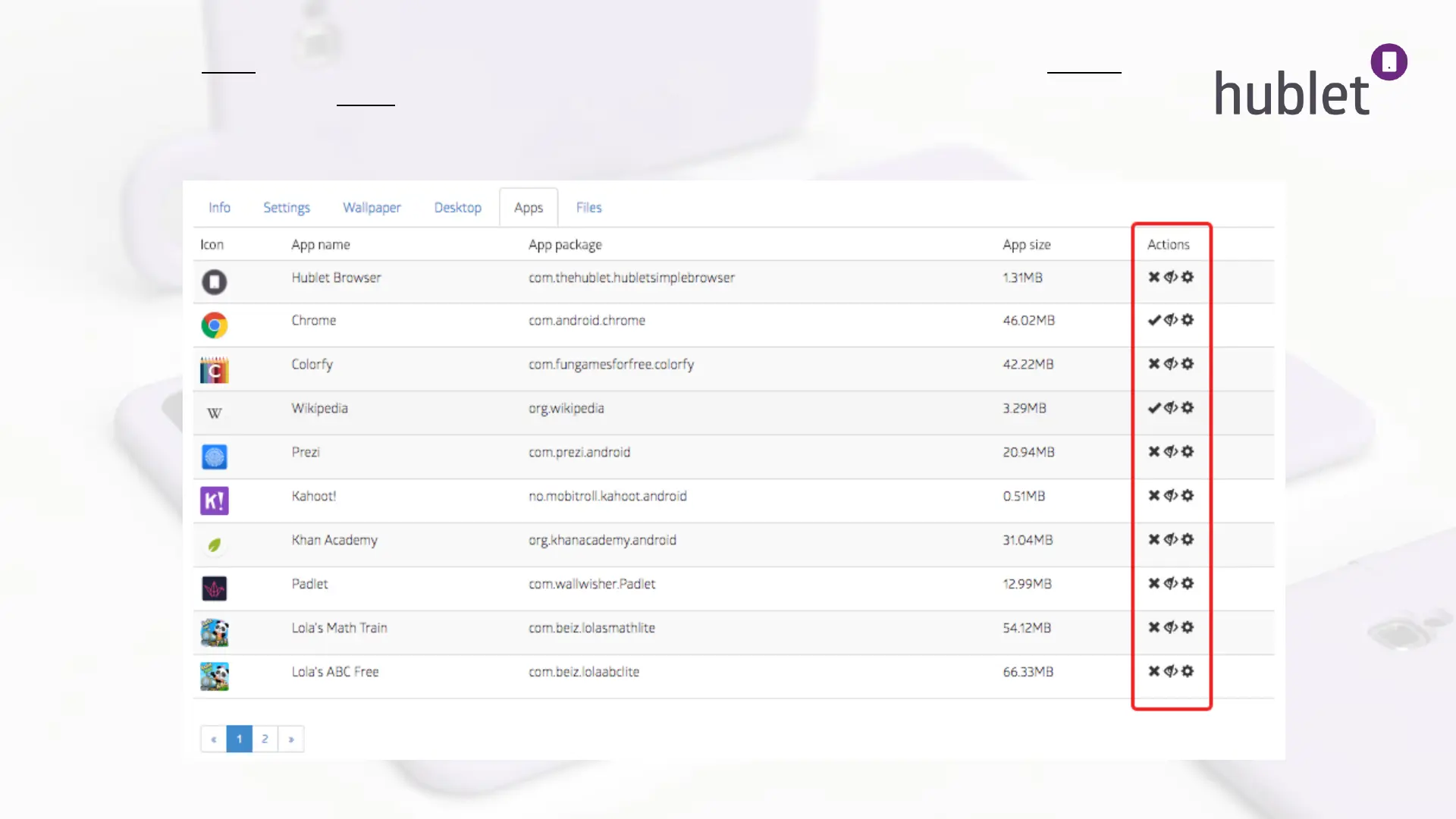
8. Next go to Apps and find the added app on the list. On the right column under Actions, enable ( x / check icon) the
app for the profile and show (eye icon) to make the app visible in the app drawer. Make sure all the desired apps are
enabled. Weblinks don’t need enabling.
9. The app will now install on the tablets and be shown upon the next loan.
View: Device configurations > Profile > Desktop > Apps
13/03/2019



 To Next Page