45
Organization > Site > Docks 2/4
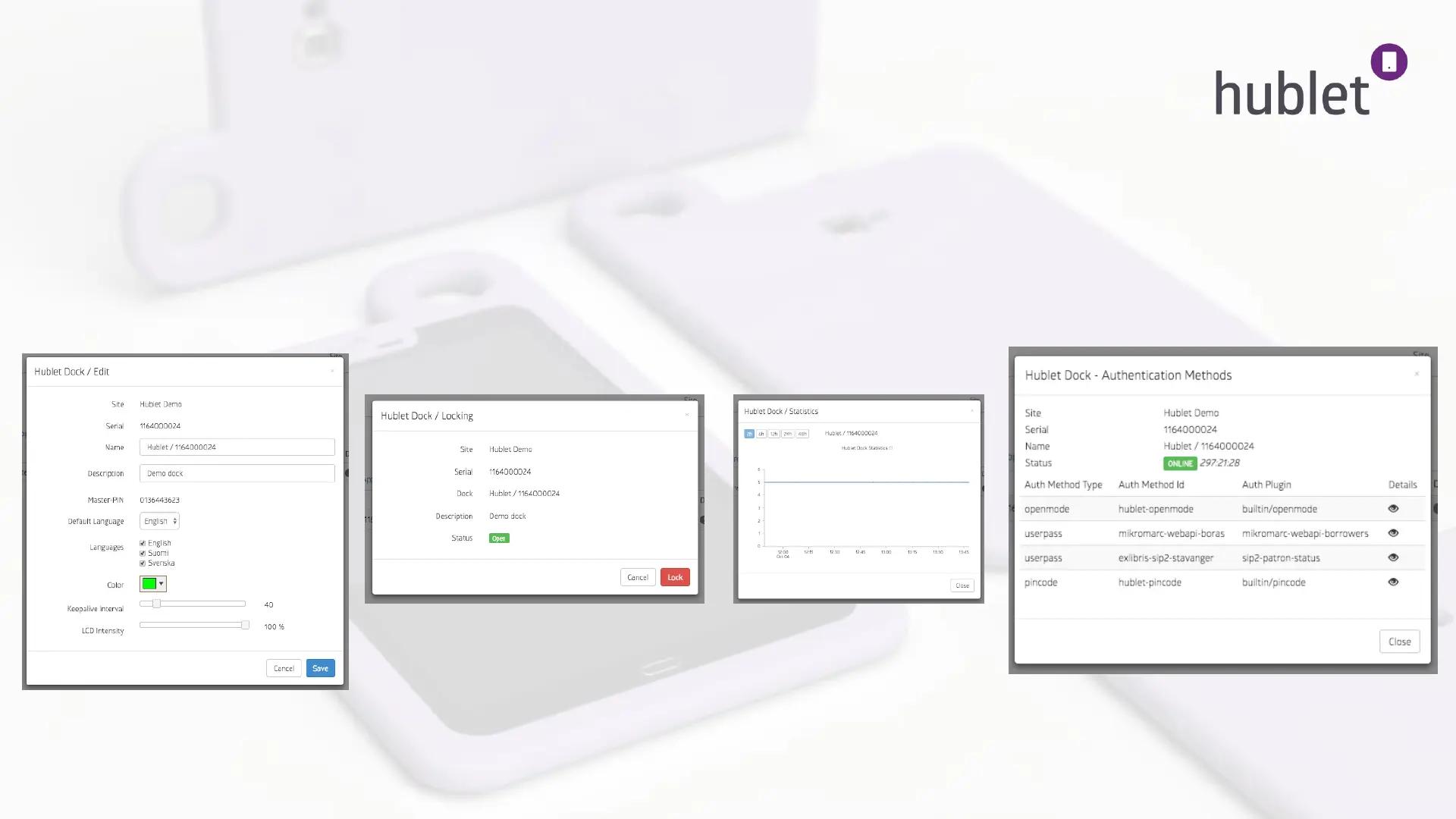
On the right you can see different icons:
1. The settings icon lets you change the color and the languages of the dock, and rename it.
2. The lock icon lets you lock and unlock the station to restrict the usage.
3. The bars show you the loan history from the last 48h.
4. The wrench icon shows you the authentication methods used in the particular dock and their
details.
1. View: Site > Docks > Settings icon
2. View: Site > Lock icon
3. View: Site > Bars icon
4. View: Site > Wrench icon
13/03/2019



 To Next Page