humantouch.com
6
7
ENGLISH
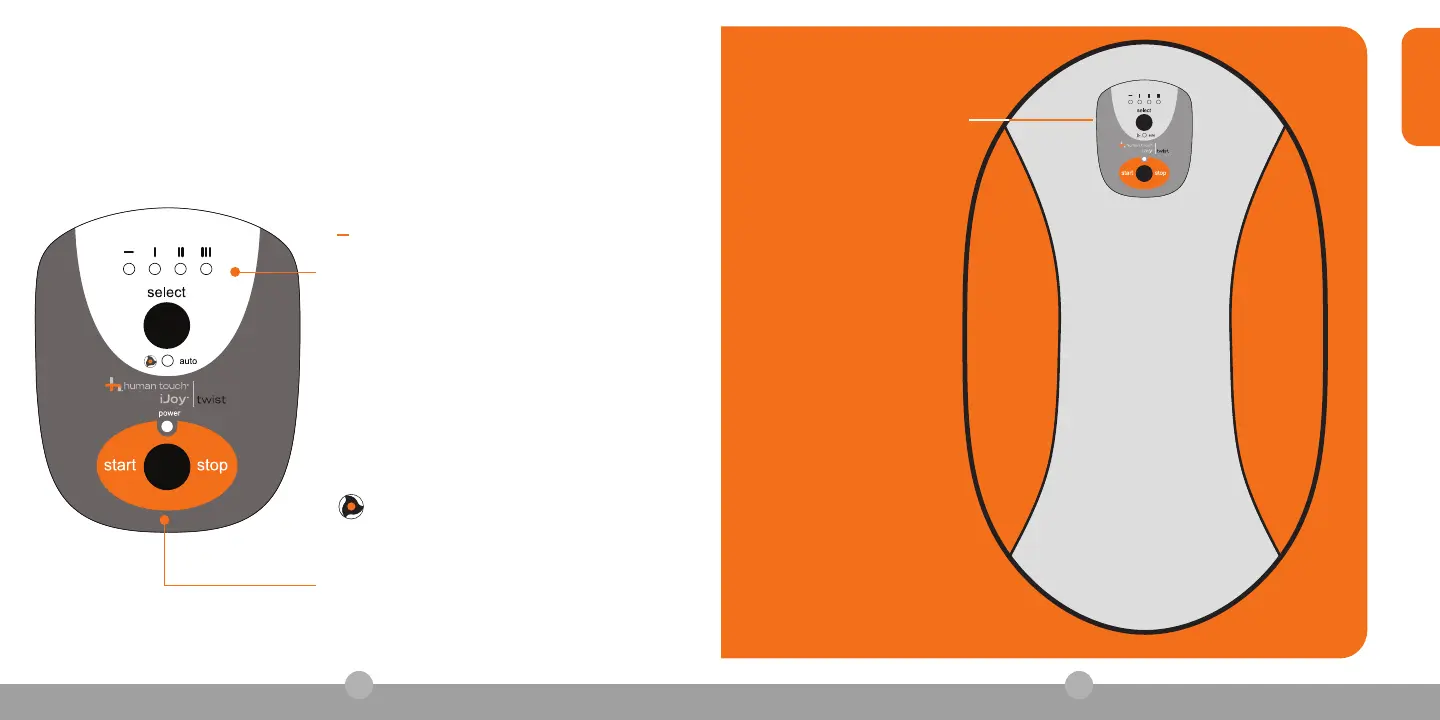
iJoy Twist control console
get ready
THERE’S MORE TO THE IJOY TWIST THAN MEETS THE EYE.
Check out the following features:
( ) Warm-up (default)– start with this speed
to get used to the iJoy Twist.
(I) Taking it Easy – Move on to this speed
once you’re warmed up.
(II) Getting Serious – Advance to this speed
when you think you’re ready.
(III) Pump it Up – Choose this speed for an
even more challenging workout.
Select – Very important button. Press it to
cycle between the four workout speeds and
the Auto program.
Auto – Let The iJoy Twist take control,
dishing out a combination of all four speeds.
Start/Stop – Press it to start your workout.
Press it again when you want to stop.



 To Next Page