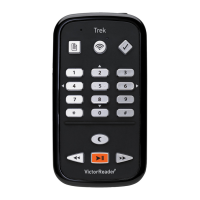
• To unlock: press 1, 2, 3
• To connect to Bluetooth: tap 7, arrow to enable Bluetooth
• To restart: press and hold POWER for seven seconds
• Toggle volume, speed, & tone: tap POWER when turned on,
toggle using volume arrows
*Check out the HumanWare Buddy App for a How to Guide and other
support*


 To Previous Page