6
Operation
1
Operating the impact wrench
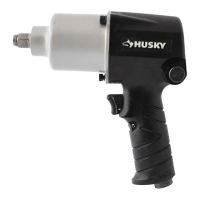
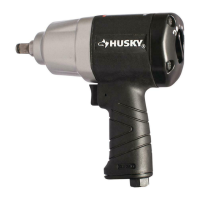
□ This 1/2 in. Impact Wrench is designed to operate on
90 PSIG. Lower pressure (below 90 PSIG) will reduce
performance of the tool. Higher air pressure (over 90
PSIG) raises the performance of the tool beyond its rated
capacity and could cause serious damage to the tool and
the user.
2
Changing the output torque direction
□ This tool features the reverse switch to change the
output torque direction to tighten (assemble) or loosen
(disassemble) the bolt or fastener.
□ Control the output torque direction by turning the reverse
switch button to the Forward arrow or Reverse arrow
position to change the direction.
3
Changing the output torque level
□ This tool features the air regulator to manage the output
power located on the back of the housing.
□ Turn the knob to adjust to your desired torque level.
□ The left setting is the lowest power level, the center setting
is a medium power level, adn the right setting is the
highest power level.
4
Installing and removing the impact
sockets
WARNING: Disconnect the tool from the air supply before
servicing or changing accessories. Always use sockets rated
for impact wrenches.
To install the impact socket:
□ Disconnect the tool from the air source.
□ Select the suitable and desirable socket size.
□ Press t the anvil into the socket.
□ To remove the impact socket:
□ Disconnect the tool from the air source.
□ Use your hand or a suitable tool to remove the socket.
Forward


 To Next Page