20 F .OTHER FEATURES
F.04 Voice Service Channel - G1-824
Each Voice channel has 8 segments (maximum) for recording and playing the
voice. The maximum recording time is 60 seconds for each channel. For the
applications and programming, you can refer to the system programming manual of each
system.
For example: If the first segment occupies 20 seconds and segment two occupies 40
seconds, then the other segments will not be available.
Message Recording on the Service Voice must be performed at the Console telephone set.
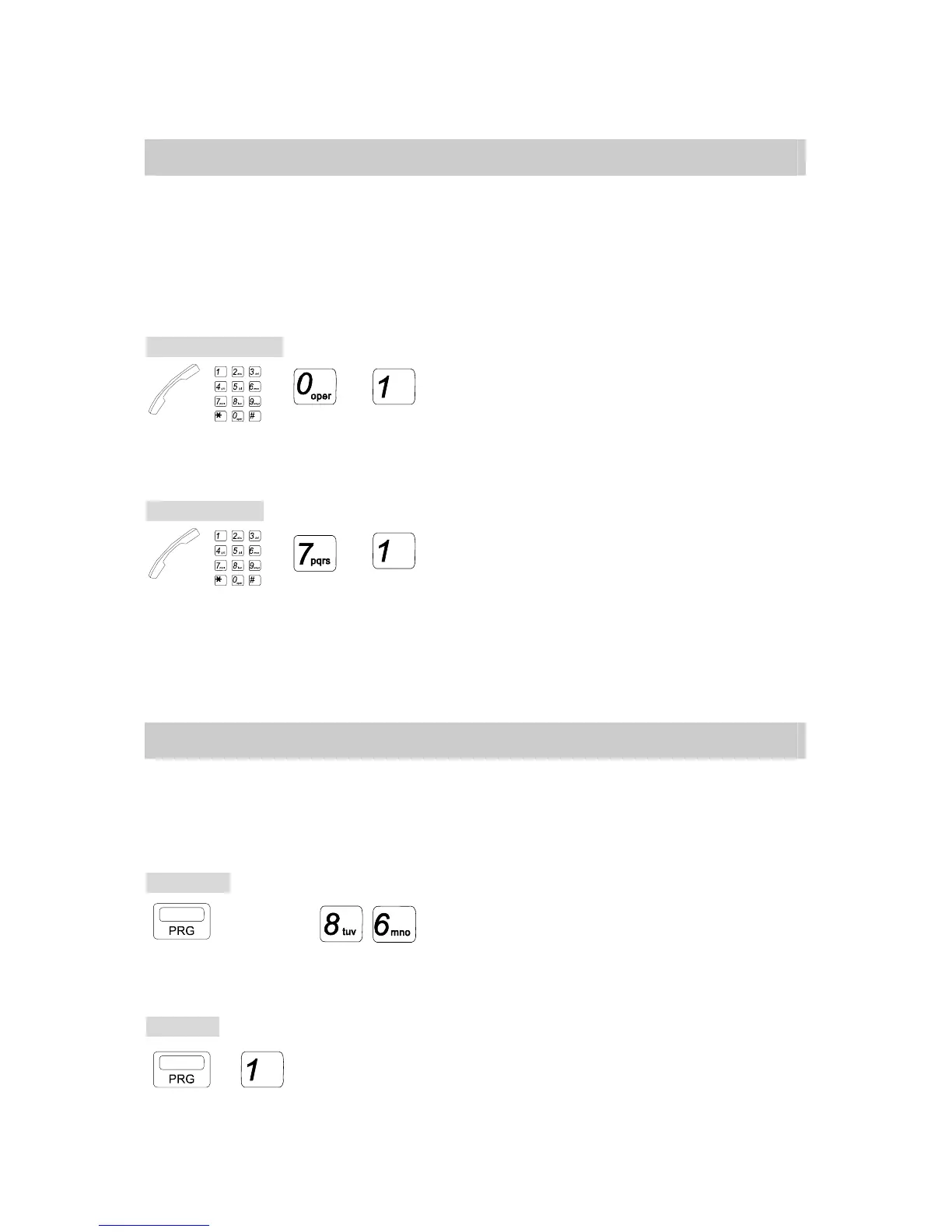
Recording Method:
→ → →
. Handset off hook.
. Dial the Voice Channel number. 86
. Dial [0] (Record your voice after the tone).
. Dial [1] to stop the recording and select the next voice segment.
Playing Method:
→ → →
. Handset off hook.
. Dial the Voice Channel number. 76
. Dial [7] (The Voice Service Channel will play the recorded voice).
. Dial [1] to stop the playing or select the next voice segment.
The Voice Channel Number for G1-824: 86.
F.05 Voice Mail Operation – G1E/GDS Systems
If your system is equipped with the optional inbuilt Voice mail unit and your handset has been
allocated Voice Mail Usage then you can Call forward your phone to the mail box in the same
way that you can Call Forward to other extensions. The Call Forward instructions can be found
elsewhere in this manual. The Call forward number for inbuilt Voice mail is 86.
To forward:
→ CODE. → . Press [PRG] key.
. Dial [1] for Any Call,
[2] for Busy, and
[3] for Busy/No Answer.
. Dial 86 for Voice mail
To cancel:
→ → Ext. No. . Press [PRG] key.
. Dial [1].
. Dial your own Extension number.


 To Next Page
 Loading...