G. STATION PROGRAMMING
26
To store System Speed Dial numbers (at Operator only):
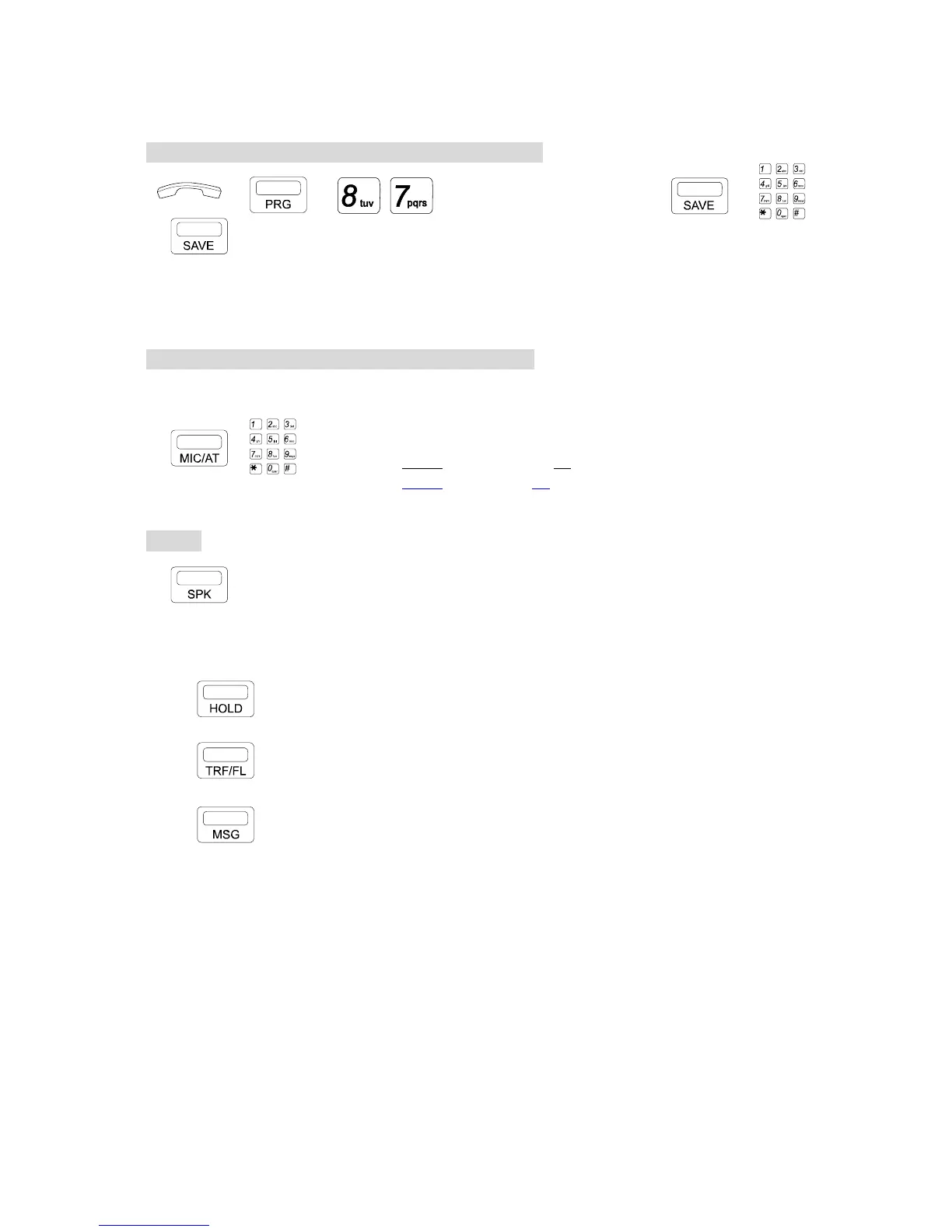
→ → , → SPD CODE(100 to xxx) → →
→
. Press [PRG] key then Dial [8], [7].
. Dial System Speed Access Code then Press [SAVE] key.
. Dial stored numbers (Max. 30 digits).
. Press [SAVE] key to exit.
To define a specific CO line / Name for Speed Dialing:
* After or before dialing stored telephone number, User can assign a CO line for the stored
numbers.
, . Press [MIC/AT] key then dial the CO line number
01-10 for G1-824, or 00 for Automatic CO Selection.
01-12 for G1E, or 00 for Automatic CO Selection.
Or key in Name for this System Speed Dial.
To exit:
. Press [SPK] key.
* Other signal for stored number when storing data:
Key Meaning LCD display
Pause "P"
Flash "F"
Pulse to Tone "T"


 To Next Page
 Loading...