INSTRUCTIONS
DESCRIPTION
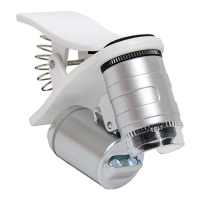
The Acve Eye Universal Mobile Phone Microscope is a compact, lightweight 60X microscope that
can be clipped onto smartphones and mobile phones that are equipped with a camera. It is used
for viewing very small objects and areas. It is especially recommended for gardening and plant
health examinaons such as pest and disease assessments. The clip can also be unscrewed from
the focusing barrel and lens so that the microscope can be used independently of a mobile phone if
necessary.
INSTALLATION AND USE OF UNIVERSAL CLIP-TYPE MICROSCOPE
• Attach the universal clip-type microscope onto your mobile phone, centering the microscope’s
eye lens over the mobile phone’s camera lens.
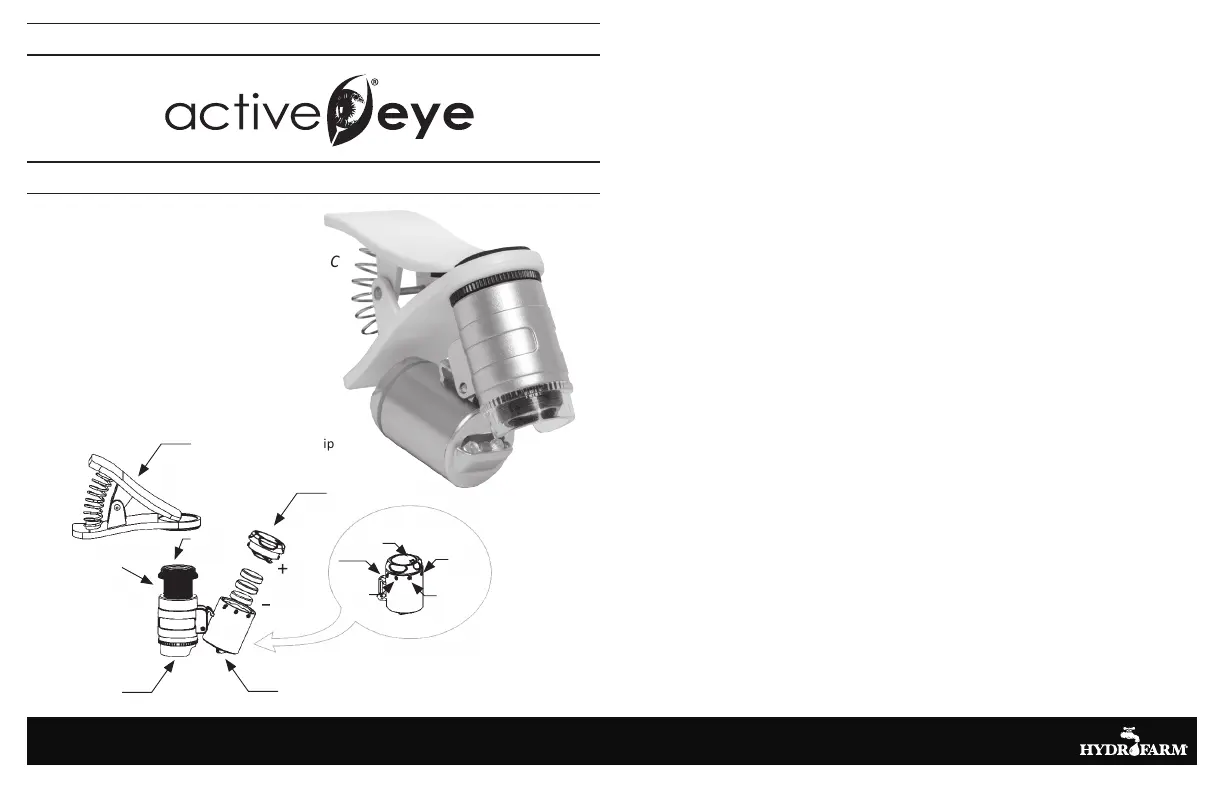
• Turn the light switch to the “on” position by turning the arrow on the battery cover (D) so that
it is aligned with the light icon (which looks like a light bulb emitting three rays of light).
• Start your mobile phone’s camera and then position the object lens so that it is touching the
sample or object that you want to inspect/photograph.
• Adjust the focusing barrel (C) by pulling up or down until the object or area you would like to
inspect or photograph comes into focus and is well-lit and clearly magnified.
• If a photograph is desired, activate your mobile phone’s camera by tapping the display (or
whatever method your phone requires to take a photograph).
OPERATING THE MICROSCOPE WITHOUT A PHONE
• Remove the clip from the microscope/light assembly by unscrewing the microscope
counterclockwise.
• Put sample or object to be magnified down on a flat surface if possible.
• Position the microscope’s object lens (B) so that it is immediately over and touching the
sample (if needed, turn on the microscope’s light).
• Adjust focus as needed by sliding the focusing barrel up and down until the image is focused.
CHANGING THE BATTERIES
• The batteries are located in the cylinder that houses the LED lights.
• To remove the batteries, align the arrow on the cover with the dot icon on the cylinder (the
one furthest from the $ icon indicating the currency detecting lamp). The cover will come off.
• Remove the old LR1130 batteries and replace them with new LR1130 batteries, positioning
them with the + side (the side with information etchings) facing upward and the - side (plain
side) facing downward.
• Replace the battery cover with the arrow pointing to the dot icon on the cylinder, then press
the battery cover down slightly and and rotate it clockwise so that the arrow points to the off
(“0”) icon.
www.Hydrofarm.com
UNIVERSAL 60X MOBILE PHONE MICROSCOPE
AEM60C
Universal Cellphone clip
Baery Cover (D)
BATTERY COMPARTMENT (E)
LED/Currency Authencaon Lamp (F)
Object Lens (B)
Focusing Barrel (C)
Eye Lens (A)
Baery Cover
Open
LED Lighng
Arrow
Close
Currency
Authencaon
Lamp


 To Previous Page
 Loading...