1.2. Key functions
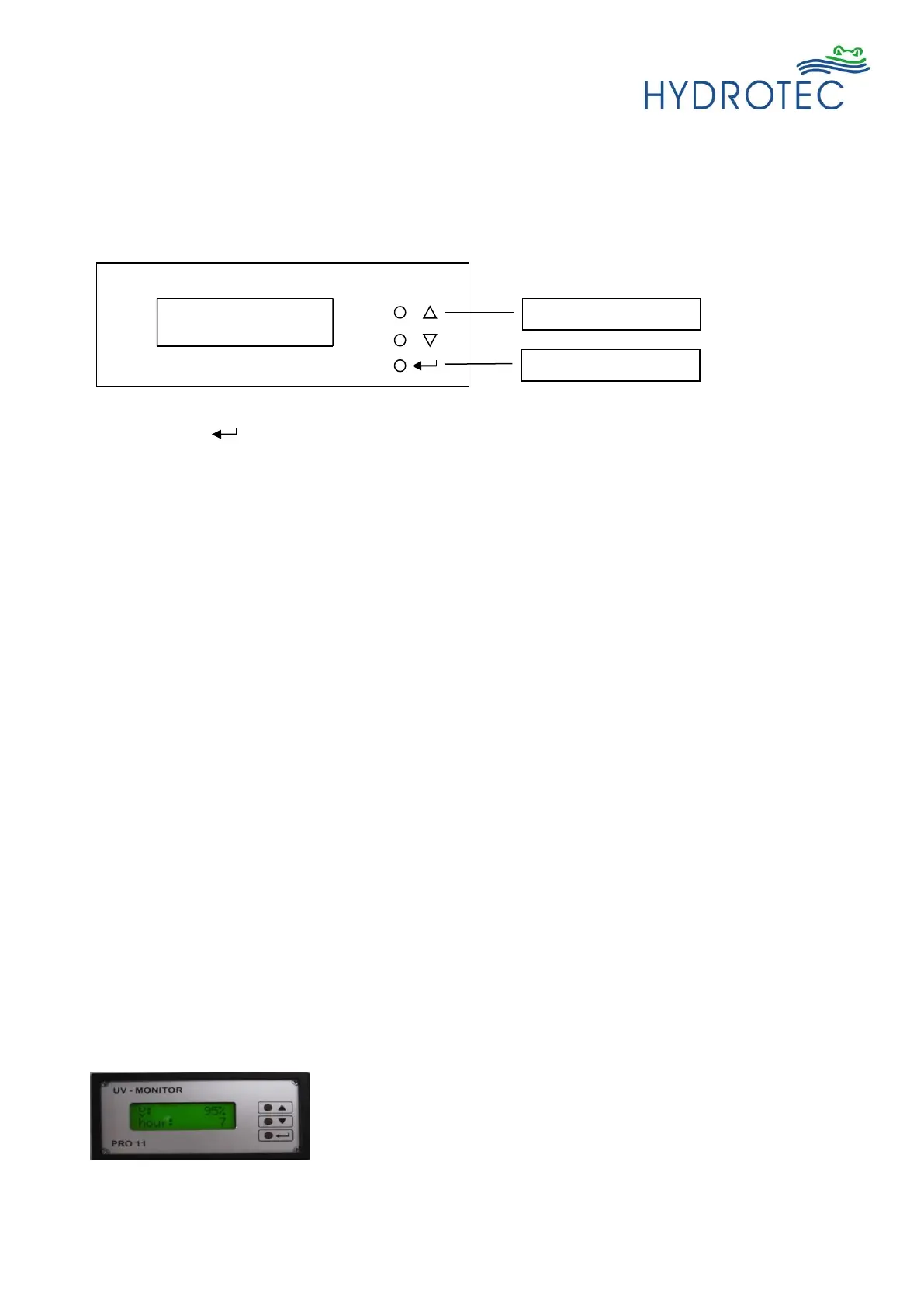
• ‘Enter’ ( )
- enter configuration menu
- skip menu item
- confirm parameter
• ‘Up’ (Up arrow key)
- show software version
- increase value
- change option
• ‘Down’ (Down arrow key)
- show operation hours
- change option
- reduce value
To enter the configuration menu, the key ‘Enter’ has to be pressed longer than 2 seconds on
status screen.
If no key is pressed for about 20 seconds in configuration menu, the screen will revert back to
status screen and the setup changes will be lost.
1.3. Messages at monitor start-up
• monitor type and software version are shown for about 6 s.
• start-up countdown (can be defined in config. menu); press “up” to skip.
• display of UV value and operating hours.



 To Next Page