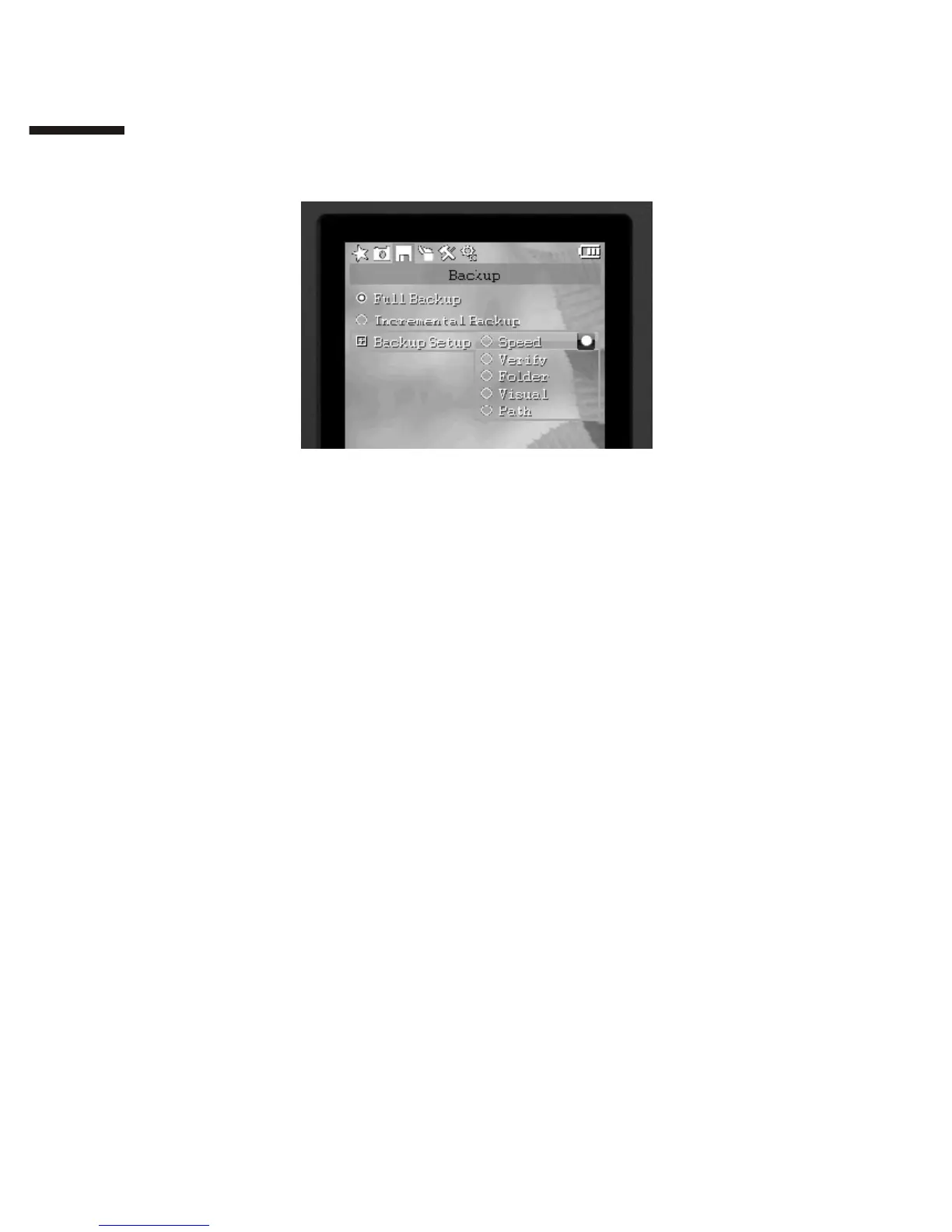
3. Backup Setup
Changing File Verification Mode:
Under <Backup> on the main menu, select <Backup Setup> [ <Verify>.
Real-Time Verify:
=performs CRC (Cyclic Redundancy Check) data verification as files
copy
=retries verification upon discovery of an error, reports an error if the
retry fails
=does not affect copying speed
The following hardware supports real-time verification: SATA hard
drives, UDMA CF cards, SD cards, MMC cards and MS cards.
Verify HDD:
=records CRC checksums of each copied file and compares with file
checksums on the hard drive
=prevents data corruption and loss due to bad sectors on the hard drive
=can affect copying speed, depending on the read speed of the hard
drive
Verify Card:
=records CRC checksums of each copied file and compares with file
checksums on the card
=detects data errors on memory cards
=can affect copying speed, depending on the read speed of the card
III
2 4


 To Next Page
 Loading...