10
Connecting via E1.31
The HyperCube also supports pixel mapping via sACN/E1.31
protocol. Various third-party software can be used to control
the LEDs, such as xLights and MadMapper. This feature is
experimental, not guaranteed to work smoothly, and is
recommended only for users with pixel mapping experience.
The setup process differs for all software. In general, you will
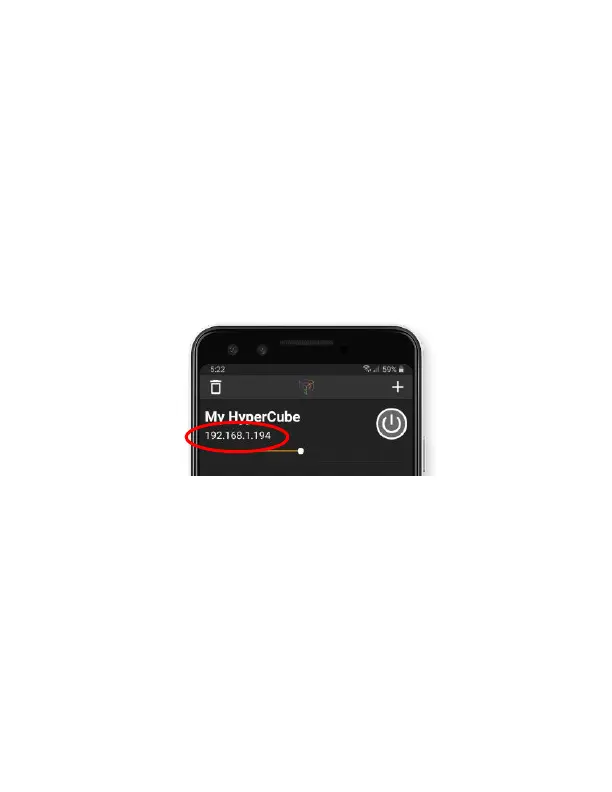
need your HyperCube’s IP address, shown on the main device
list page:
You will also need the following pixel information:
HyperCube
10
: 288 total pixels (WS8211/WS2812)
HyperCube
15
: 480 total pixels (WS8211/WS2812)
The total pixels are split across 2 separate LED tracks,
each with half the total pixels (i.e. 2 universes with
432/840 channels each for HC
10
/HC
15
).



 To Next Page