Powering on and off the Earbuds
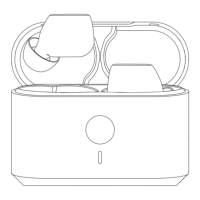
To power on the earbuds, open the charging case.
The earbuds will play a rising tone and automatically reconnect to the last paired device.
To power o the earbuds, return them to the charging case and close the lid.
The earbuds will play a falling tone and automatically begin charging.
Pairing the Earbuds
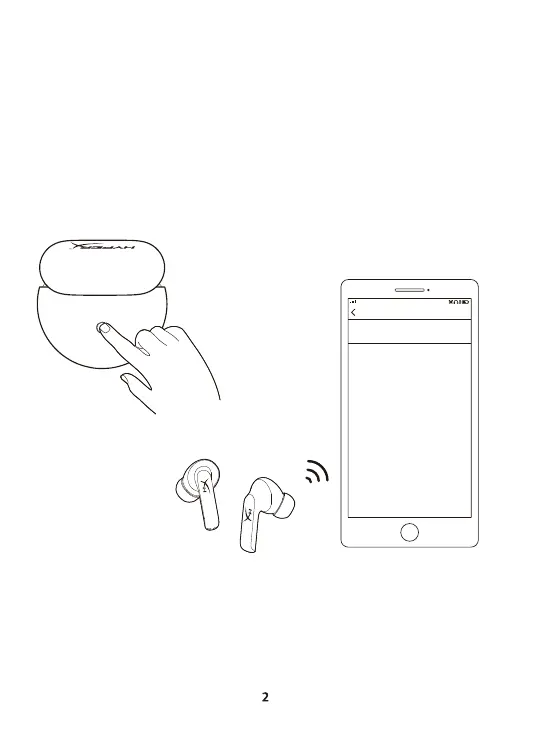
1. With the earbuds inserted, open the lid of the charging case.
2. If there are no previous connections, the earbuds will automatically enter pairing mode.
Otherwise, press and hold the pairing button on the charging case for 3 seconds.
3. On your device, search for nearby Bluetooth devices and select HyperX Cloud Buds TWS.
The earbuds will play a quick double beep once the connection is successful.
Pair new device
Available devices
HyperX Cloud Buds TWS



 To Next Page