6 7
1
Package Contents:
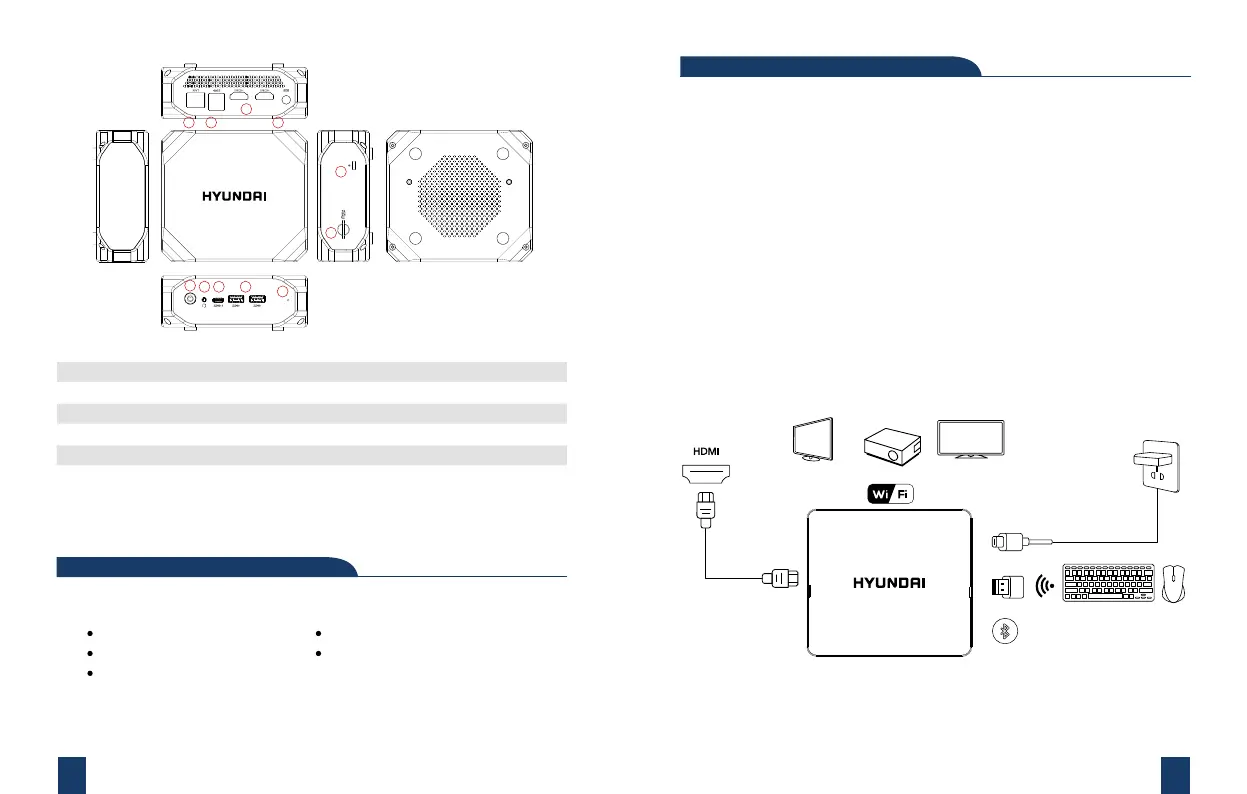
1. Connect the device to the TV HDMI interface with HDMI CABLE, and a display
device (eg: TV, screen, projector) “Video Input Source”. Select the connected
HDMI input channel.
2. DC-IN Power: Connect the power cord DC-IN Jack accessories with this
device and the other end directly into the plug.
3. Can be used with a Bluetooth keyboard and mouse. Use the USB interface to
connect wireless keyboard and mouse devices.
4. Press the Power button to start the system.
Instructions:
Adapter (Original attachment)
Can be used with Bluetooth or wireless keyboard and mouse use (self)
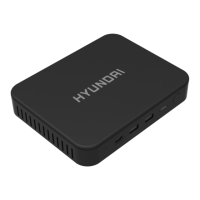
Mini PC
Adapter
Vesa Mount
User Manual
Quick Start Guide
1.- POWER BUTTON
2.- AUDIO JACK
3.- USB TYPE-C
4.- 2 x USB 3.0
5.- ETHERNET RJ45
6.- 2 x USB 3.0
7.- 2 x HDMI Ports
8.- DC-IN JACK
9.- Kensington Lock
10.- SD CARD SLOT
11.- Reset
2 3 4
5 6
7
8
9
10
11



 To Next Page