Now you are given the opportunity to store your
memory If you are satisfied with all the values you
have inputted.
If however you think you may have made a mistake or
you have just changed your mind then you can return
to the start of the memory by pressing MEM button
and repeating the above process.
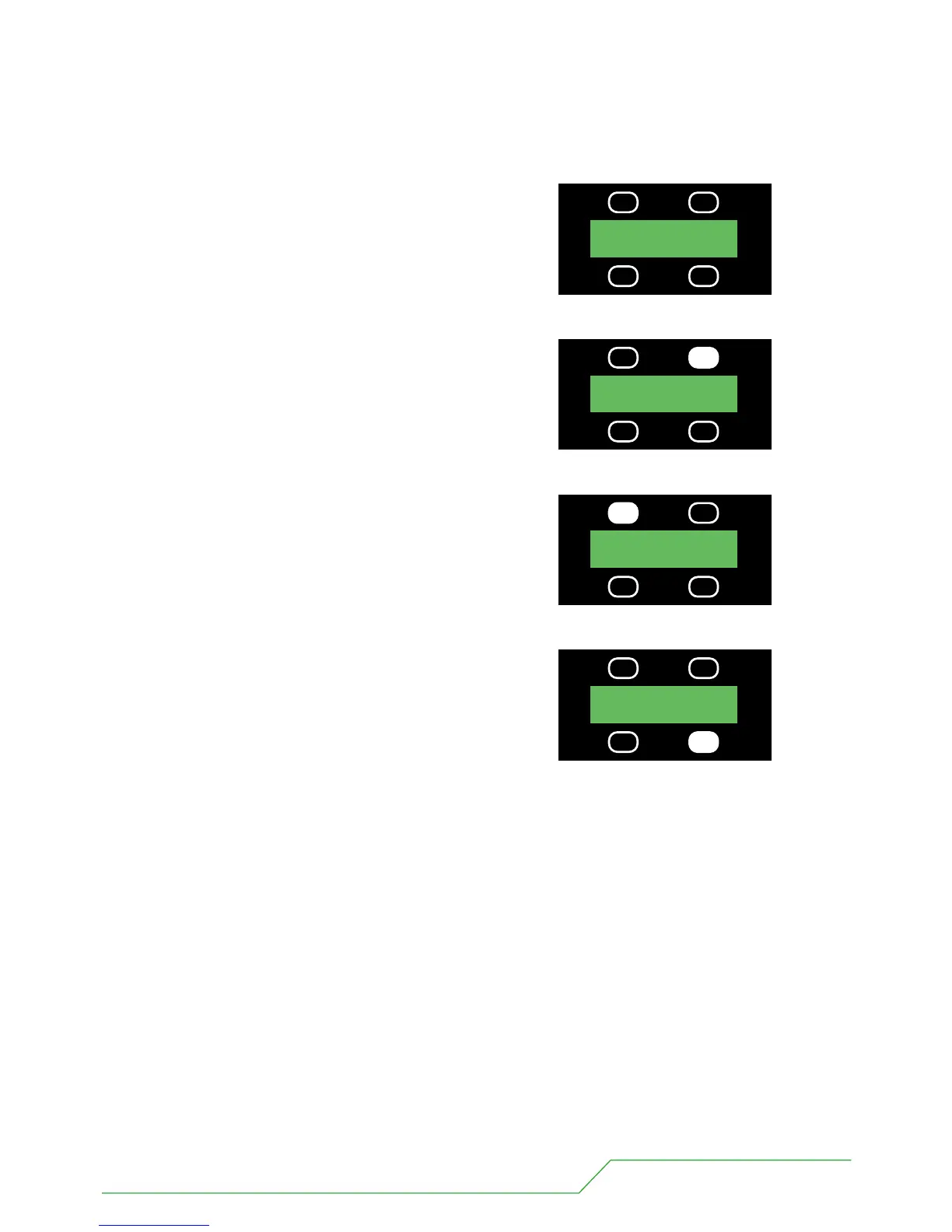
If you are happy with you memory you should then
assign it a number using the UP, DOWN buttons.
9 When happy with your memory number press STORE.
UP MEM 01
DOWN STORE
UP MEM 04
DOWN STORE
PRESS
UP MEM 04
DOWN STORE
PRESS
UP MEM 01
DOWN STORE
PRESS
BB4 USERS MANUAL - PAGE 19


 To Next Page
 Loading...