1-11EN
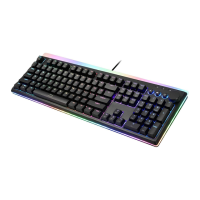
RGB Illuminated Mechanical Keyboard
3. Software
Please download the latest keyboard app for setup from iRocks
website
1. Double click the installation software you download and follow
the instructions step by
2. Plug in the keyboard after installation, the software will start to
identify it
3. Launch the software. It will take some time to download the
memory parameter and setting of the keyboard
Note: You must plug in the keyboard in order to start the
software


 To Next Page