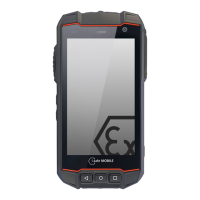
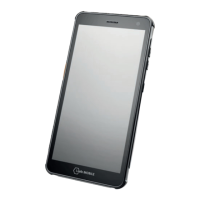
EN 7
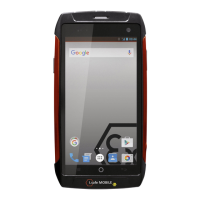
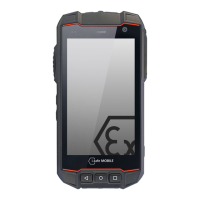
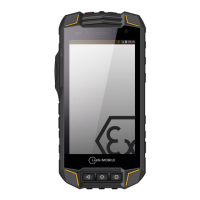
1 EARPHONE JACK
2 LOUDSPEAKER
3 CAMERA
4 LOUDNESS CONTROL: Volume up/Volume down.
5 POWER KEY: A long press switches the device on/o. A short press switches the stand-
by mode on/o.
6 CURRENT APPLICATION: Shows all open applications.
7
HOME KEY: Switch to the main screen.
8 BACK KEY: Go to the previous screen.
9 SIDE KEY LEFT: Optional function - function can be assigned via Button App (system
integrated).
10 SIM CARD SLOT: To insert SIM card and microSD card.
11 USB INTERFACE:
Connection for the
Micro USB Cable
or for connection to other
devices. Also see sections “Charging” and “Connecting approved accessories”.
12 MICROPHONE


 To Next Page