4
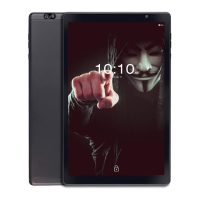
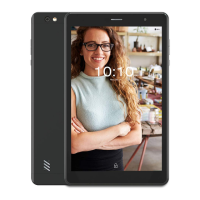
Front camera: A build-in webcam that allow you to capture still images, record
videos, and chat online.
Back camera: You can take photo & recording videos
Micro SD card Slot: Insert a Micro SD memory card to further expand the
capabilities of your iBall Slide; you can exchange data material with iBall Slide.
Speaker: Produces sound from multimedia files.
Micro USB power port: With a Micro USB cable, connects AC power supply to
power the deice and charger the battery
Mini-HDMI Port: To connect TV, Monitor or Projector this had HDMI port
facility. (HDMI cable is not included with Slide accessories).
Audio jack (integrated MIC): Connects 3.5mm earphone to play audio or chat
online
Battery charger indicator: Refer to ‘’Battery charger indicator’’ on page 9 for
details.
Power Button: Press to power on/ off your iBall Slide, or put it to sleep or
hibernate and wake it up from sleep or hibernate mode.


 To Next Page
 Loading...