A12
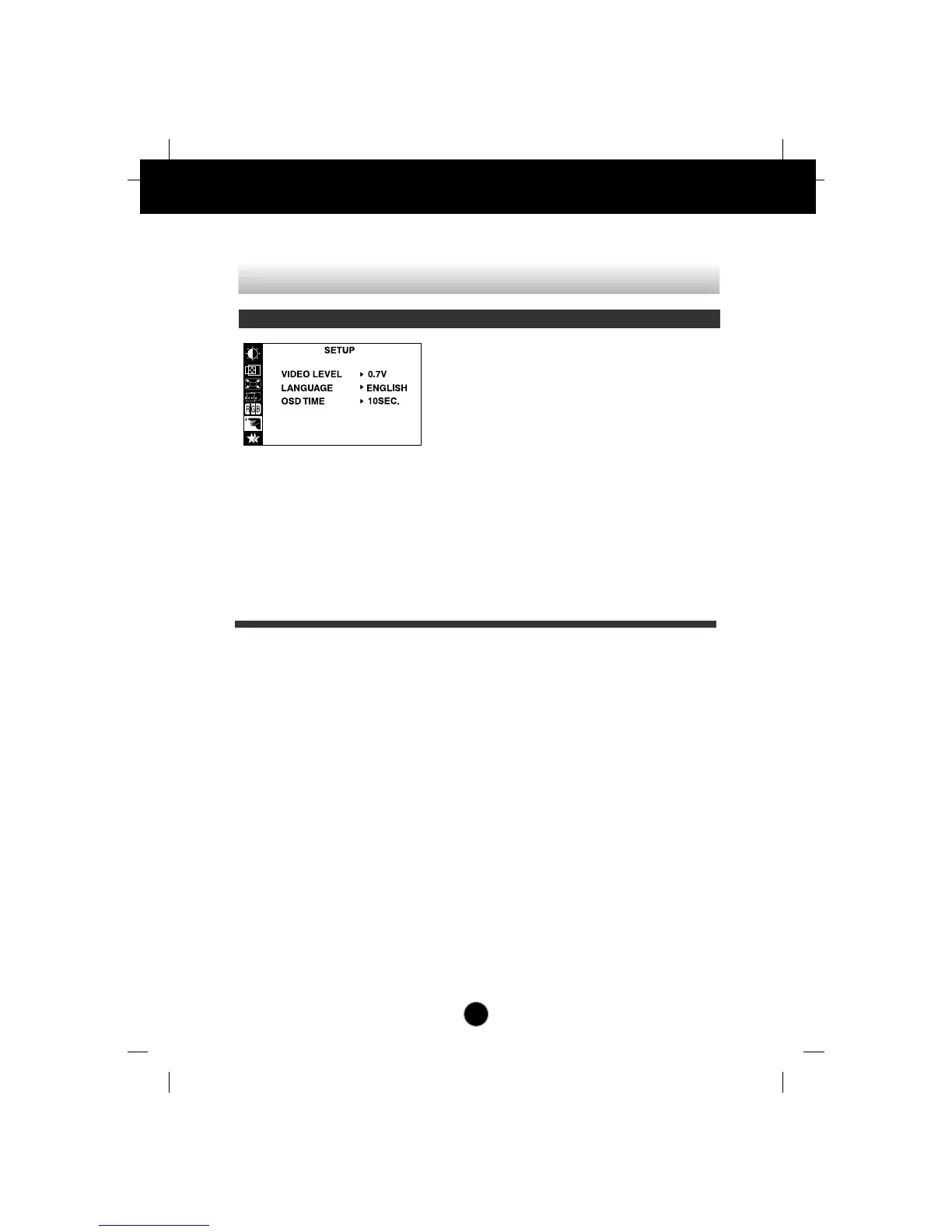
This item is used to select the monitor's
input signal level. The normal level used for
most PCs is 0.7V.
If the screen becomes suddenly washed-
out or blurred, please select 1.0V and try
again.
To choose the language in which the
control names are displayed.
OSD Menus are available in 11 languages:
English, German, French, Spanish, Italian,
Swedish, Finnish, Portuguese, Korean,
Chinese and Russian.
Set the OSD time, i.e. the length of time a
menu will remain on-screen before it shuts
off automatically. Adjust the time to 5, 10,
20, 30 or 60 seconds.
VIDEO LEVEL
LANGUAGE
OSD TIME
On Screen Display(OSD) Selection and Adjustment
To customize the screen status for a user's operating environment
OSD Adjust Description



 To Next Page
 Loading...