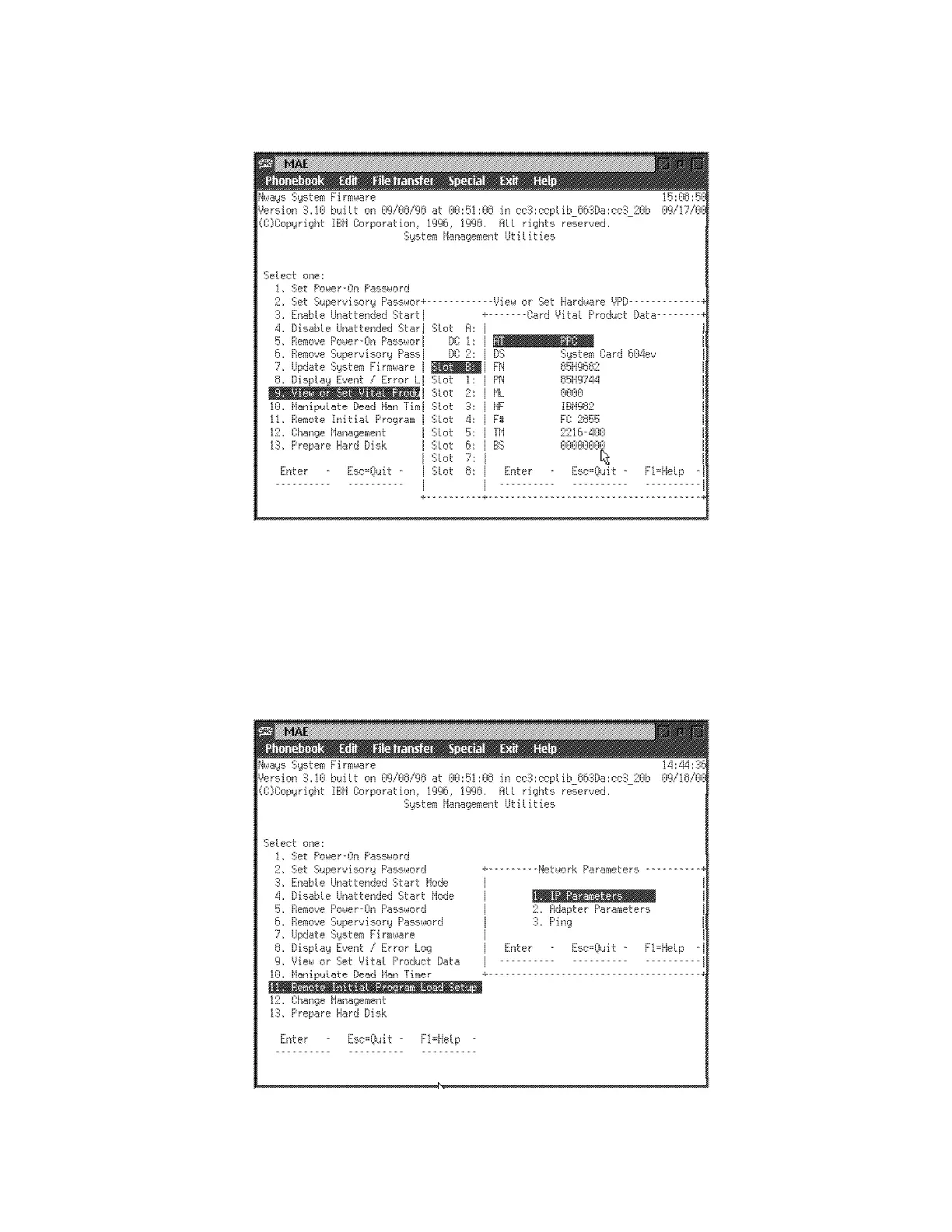
h In the BS entry field, type in the MAE serial number, then press Enter
Figure 4-7. MAE
i Press ESC twice, then continue with Step 8
8 Set the IP addresses:
a Using the arrow keys, select (11) Remote Initial Program Load Setup
and press Enter, (1) IP Parameters is selected, press Enter again.
Figure 4-8. MAE
4-14 3746-9X0: MAE Installation and Maintenance


 To Next Page
 Loading...







