5 Select View or Set Parameters option, then press Enter.
6 Select Ring Speed option, then press Enter.
7 Select speed: 16Mb via the arrow keys and space bar to validate, then press
Enter.
8 Wait and when prompted, press PF2 to save.
9 Press Esc to quit the different windows to return to the Network Parameters
window and continue with “PCMCIA Checking.”
PCMCIA Checking
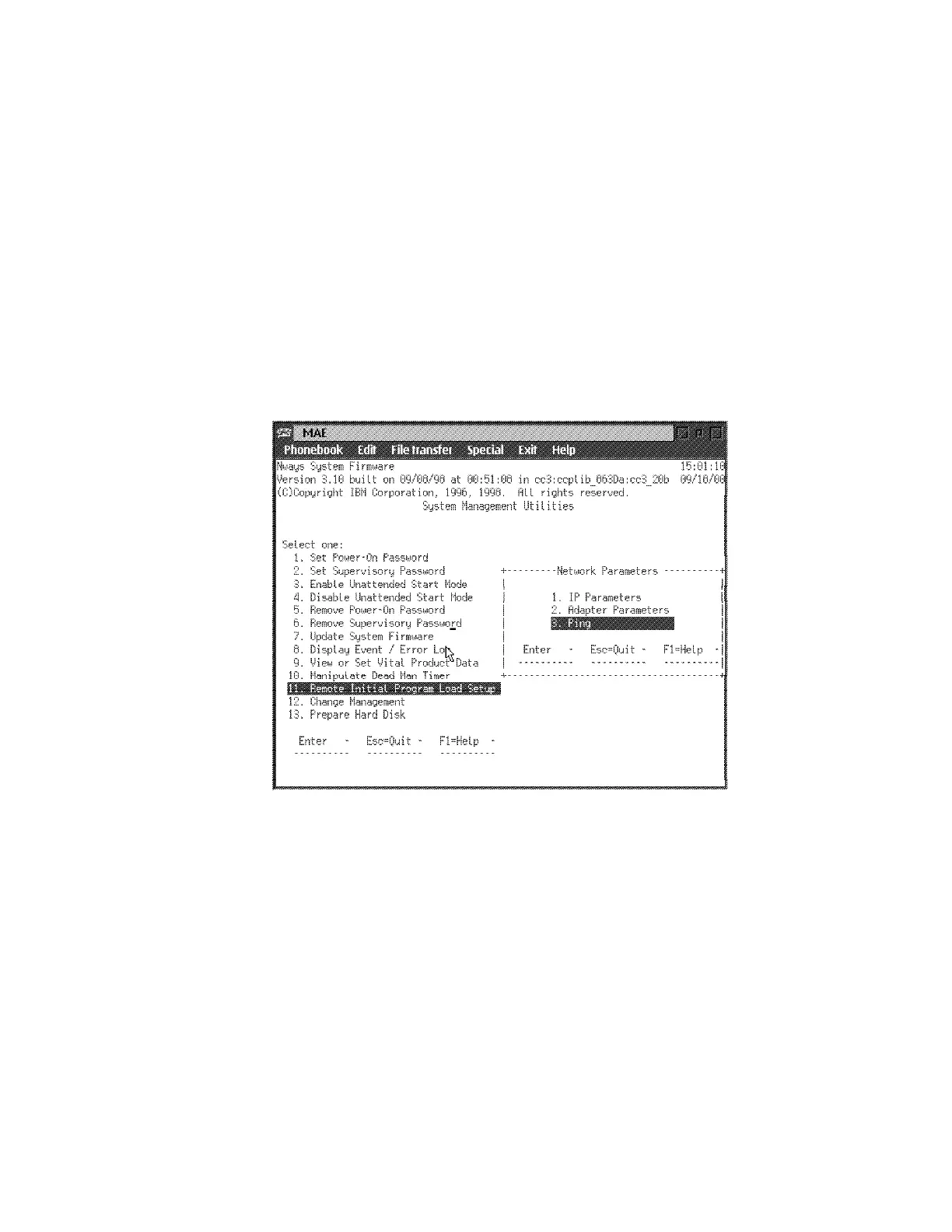
1 In the Network Parameters window, select Ping option, then press Enter.
2 Select PCMCIA Token Ring option in the Interface, then press Enter.
Chapter 4. Multiaccess Enclosure FRU Exchange 4-37


 To Next Page
 Loading...







