Exchanging the ESCON Adapter
1 Locate the adapter module to be replaced.
2 Power Off the multiaccess enclosure.
3 Label the cable for proper reconnection.
4 Remove the cable.
Attention: You must turn the adapter's thumbscrews simultaneously when
unseating or seating the adapter during removal or installation. By doing so,
you prevent stripping the thumbscrews. If you strip the thumbscrews, you
may not be able to seat or reseat the adapter properly.
5 Loosen the screws on the adapter.
6 Remove the adapter from its location.
OK
Wrong
Slot
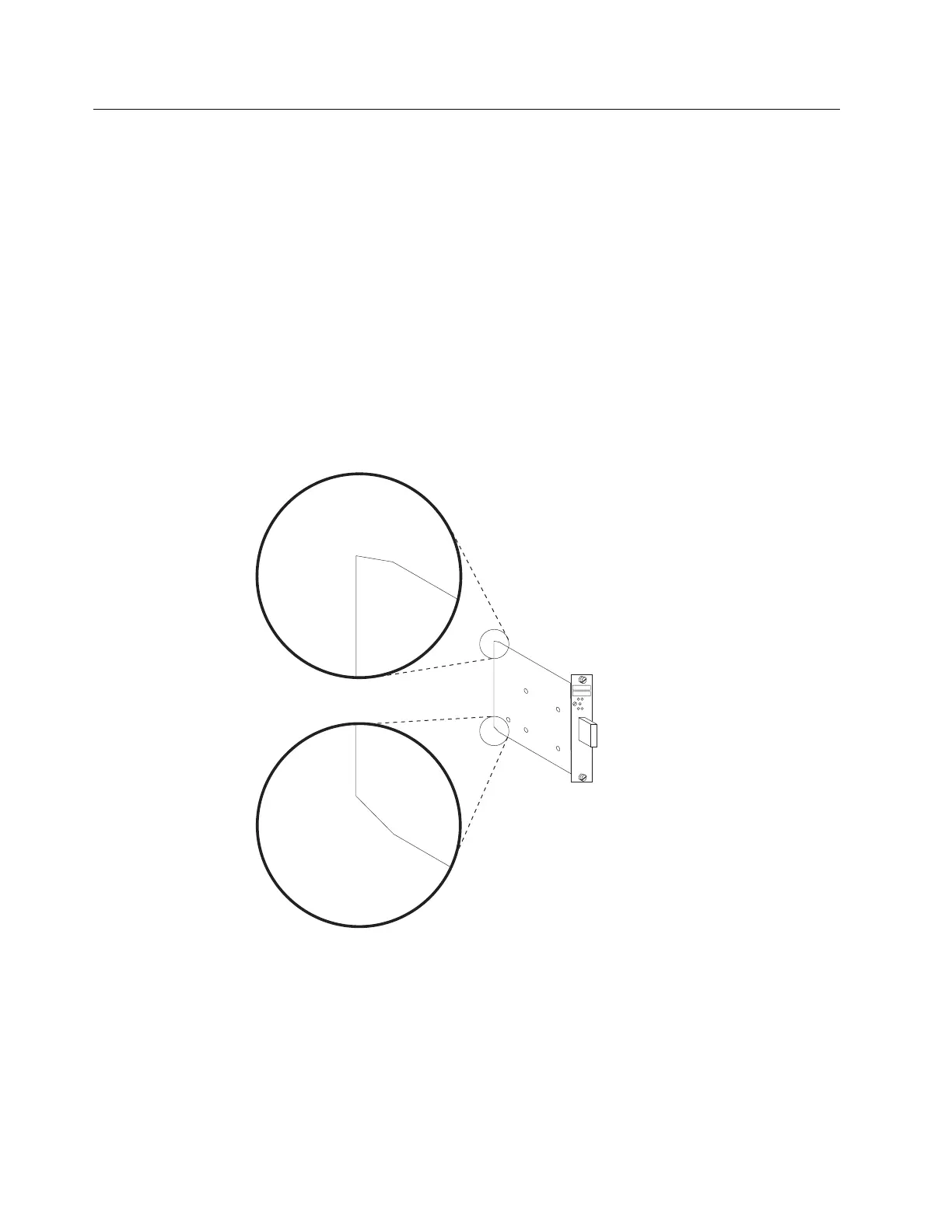
7 Notice the notches at the adapter card's angled corners and position them on
the left as illustrated.
4-48 3746-9X0: MAE Installation and Maintenance


 To Next Page
 Loading...







